Ready-made workflows
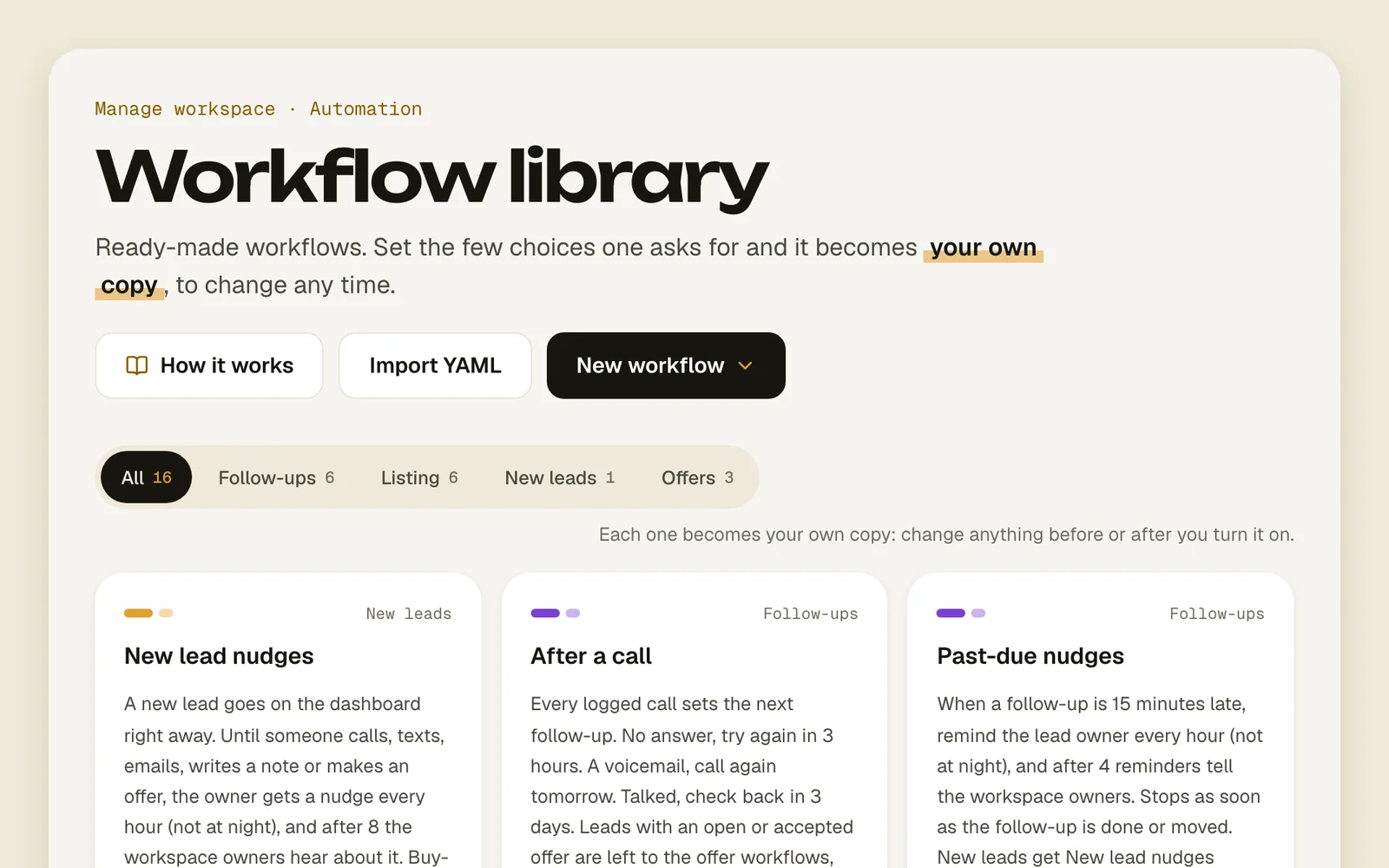
The workflow library has follow-up cadences that are ready to go. Pick one, change the few blanks it asks for, and it becomes your own copy.
On this page
What it is
Only workflows set follow-ups in Acre. Without one, a call or a text finishes a lead's follow-up and nothing new is scheduled. The library is the quickest way to get them going. A few of them:
- New lead nudges: a new lead goes on the dashboard right away, and its owner gets a nudge every hour until someone works it.
- After a call: every logged call sets the next follow-up. No answer, try again in 3 hours. A voicemail, call again tomorrow. Talked, check back in 3 days.
- Past-due nudges: when a follow-up is late, remind the lead owner every hour, then tell the workspace owners.
- Safety net: an open lead that's left with no follow-up gets one 2 days later.
- Offer check-ins: after you make an offer, follow up every 24 hours until the seller answers.
- Rejected offer follow-ups: after a no, follow up every week for a month, then every month for a year.
- Went pending, Back on market, mark Hot, Sold to someone else and Pulled off the market: they keep up with what the listing does.
- Price drop, mark Hot, Stale listing, Offer deadline, Gone quiet, Agent replied and Agent texted back.
How to add one
- 1
Open the library
Go to Manage › Workflow library, or press New workflow on Workflows and pick From the library.
Workflow libraryFrom the library - 2
Find one
Filter by what it's about. The ones marked Recommended are a good place to start.
AllNew leadsFollow-upsOffersListing - 3
See what it does
Open a card. What it does walks through its steps, and What happens if… plays out a few real cases.
- 4
Fill in the blanks
Under Set it up, change the few choices it asks for, like how long to wait after a voicemail. Times are typed like 30m, 2h or 1d.
- 5
Bring in the leads you already have
If some leads fit it now, tick Also add the leads that fit now. Without it, only new events let leads in.
- 6
Add it
Press Add and turn on to start right away, or Add, switched off to look it over first. Your copy opens on the canvas.
Add and turn onAdd, switched off
Good to know
- Only the workspace owner can add workflows. Everyone else can look at what each one does.
- When two workflows set a follow-up for the same lead, the sooner one wins.
- Turning a workflow off pauses its leads where they are.
- Every workflow counts toward your plan's limit, drafts and switched-off ones too. See Plans.
- Some work as a team: Past-due nudges leaves new leads to New lead nudges, and Went pending hands off to Back on market, mark Hot or Sold to someone else.
- When the library has a newer version, your workflow shows Library update. Open it, go to More › Settings and versions and press Update to v… (as a draft), then publish. If you edited your copy, updating replaces your changes in the draft.
- Agent replied needs Gmail connected, and Agent texted back needs Twilio. See Texts and emails from workflows.