Help
How Acre works.
A short guide for every feature: what it does, how to use it, and pictures of each step. New here? Start with the first four.
Getting startedYour first day in Acre, in four short reads.
1Make your workspaceFour quick steps: a name, a buy box, follow-ups and your team.2 min2Bring in your leadsLet a buy box find them, type an address or upload a CSV.2 min3Turn on a workflowPick a ready-made follow-up cadence and switch it on.2 min4Work your call sheetThe dashboard hands you one lead at a time. Call, log, next.2 min
FindListings come to you.
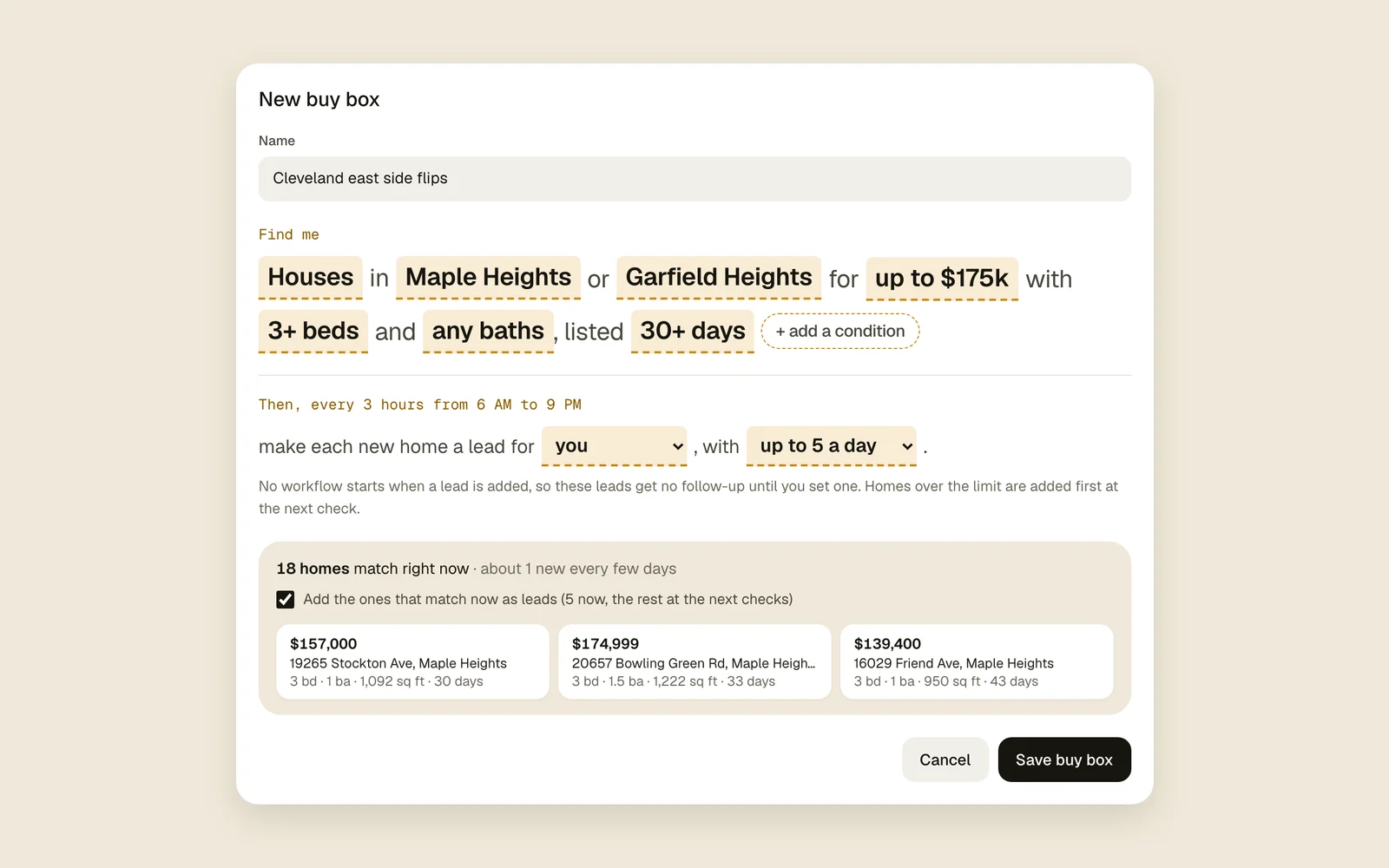
Buy boxesSay what you buy. New listings that fit become leads.All plans3 min read
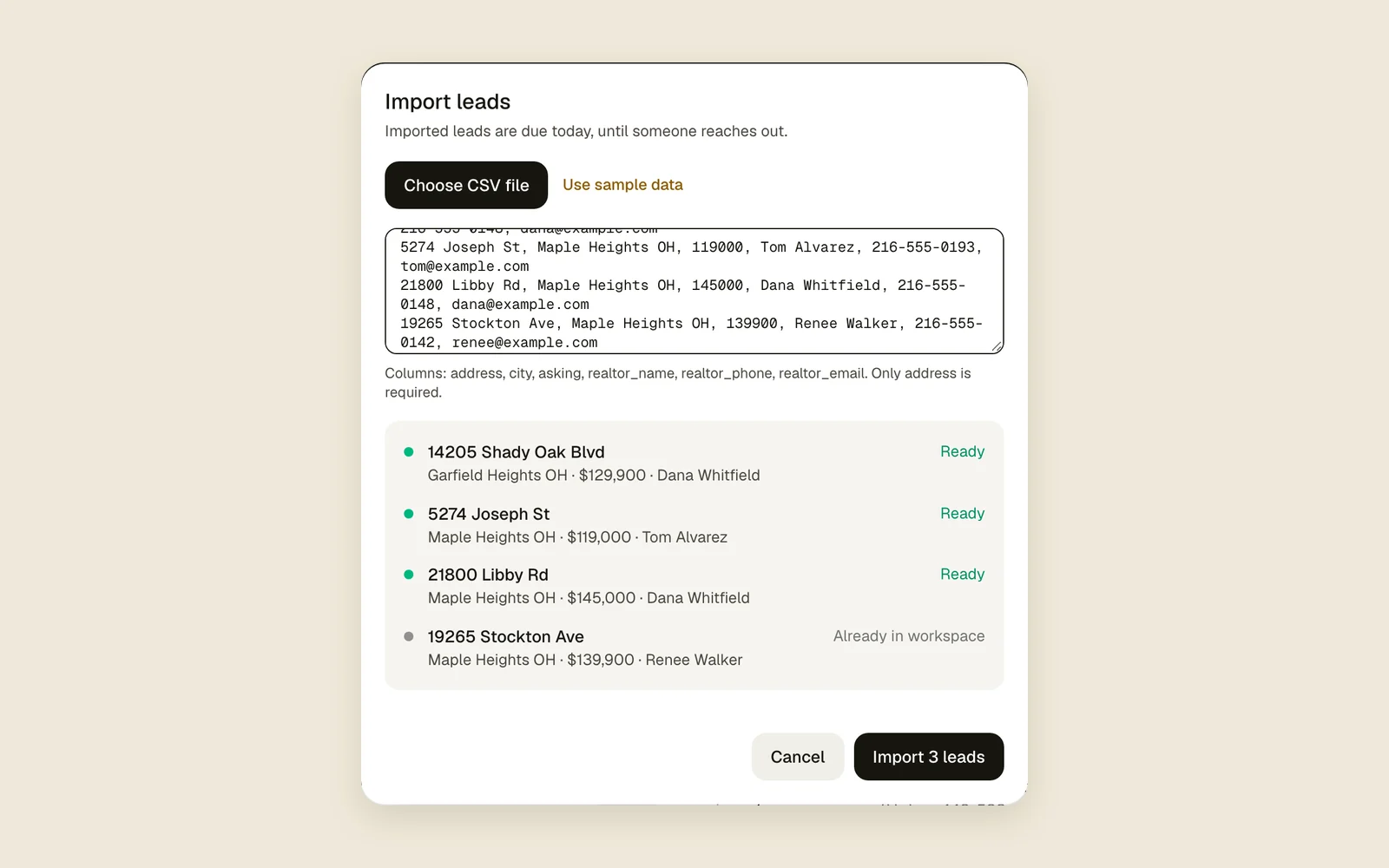
Import from a CSV or an addressType an address, or bring your old spreadsheet in as a CSV.All plans3 min read
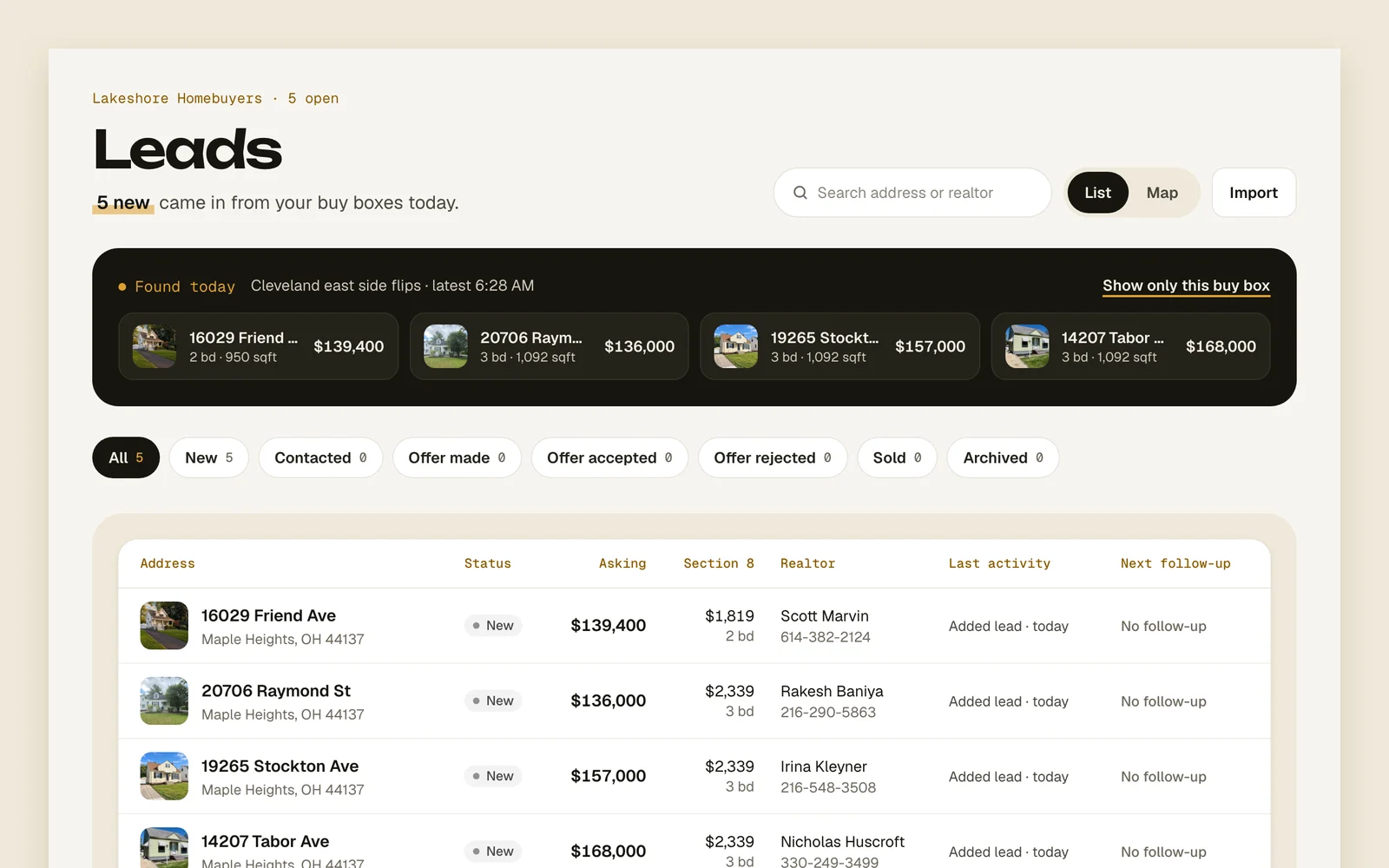
Leads list and mapEvery lead on a list or a map, with status filters and search.All plans2 min read
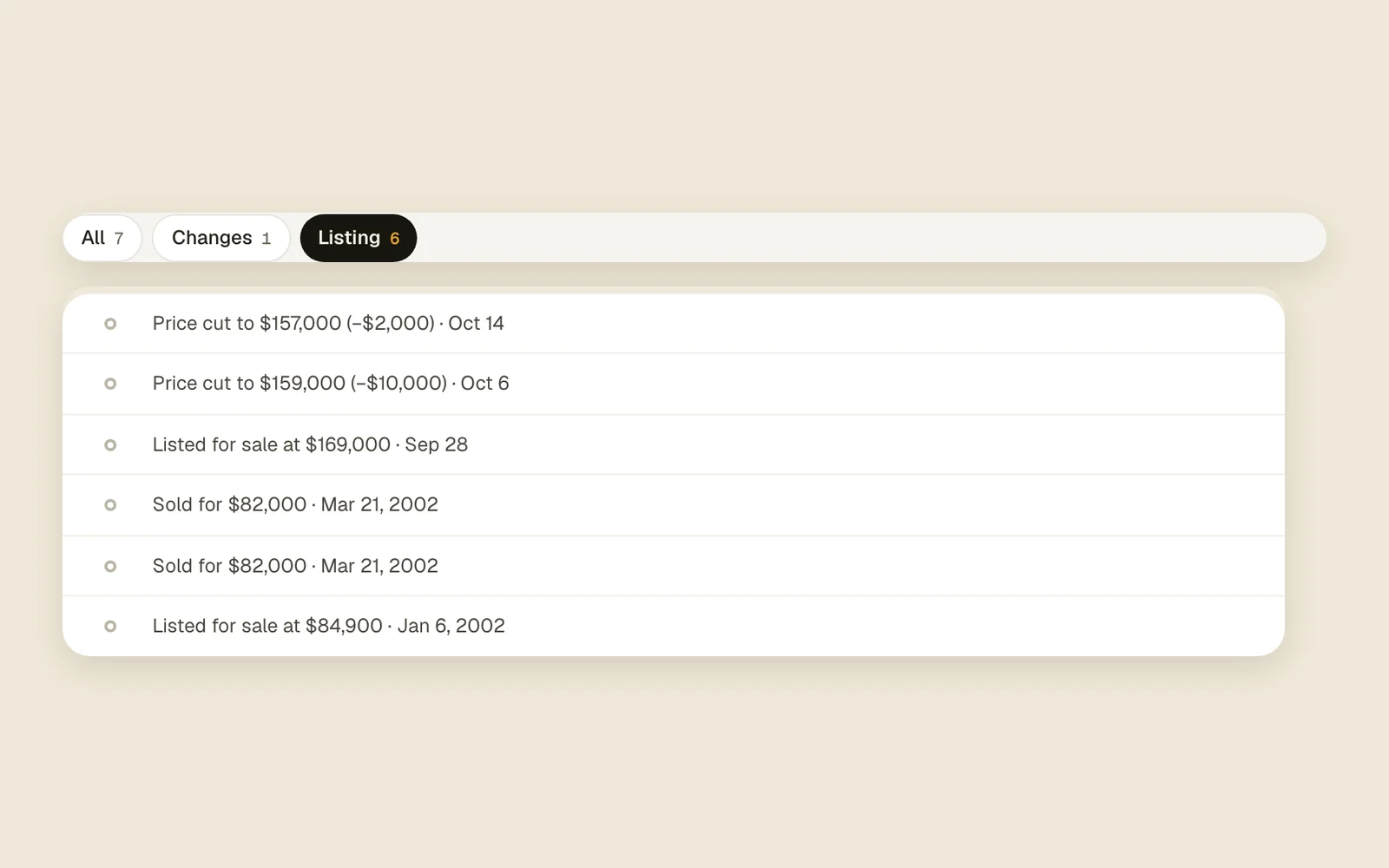
Listing watchPrice drops, pending, back on the market and sold, on the lead.All plans2 min read
PriceKnow the number before you dial.
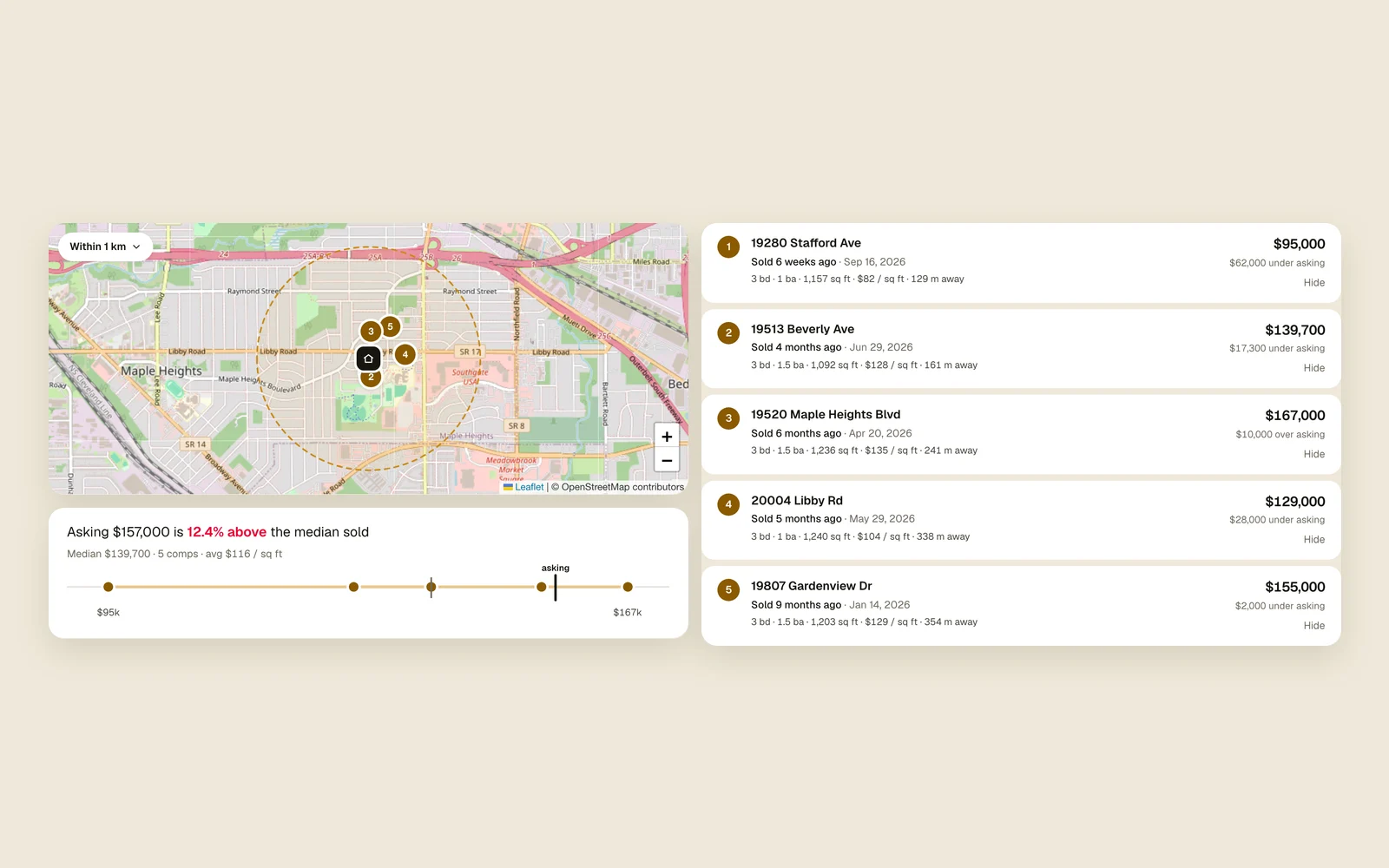
Comps, ARV and rentHow Acre picks comps and gets to your 70% number.All plans4 min read
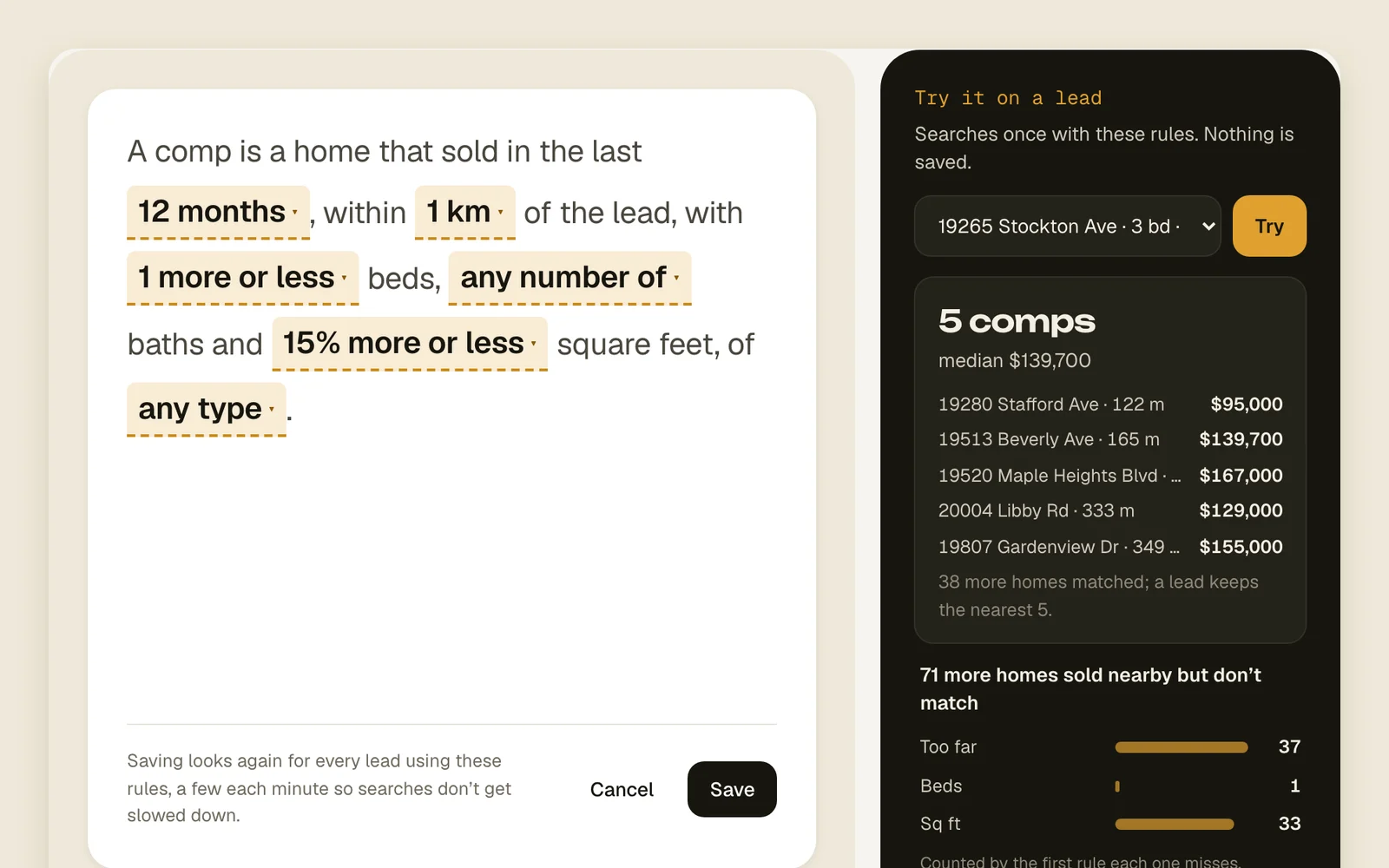
Your own comp rulesHow far, how recent and how similar a comp can be.All plans3 min read
Deal scoreWhat goes into the score out of 10.All plans3 min read
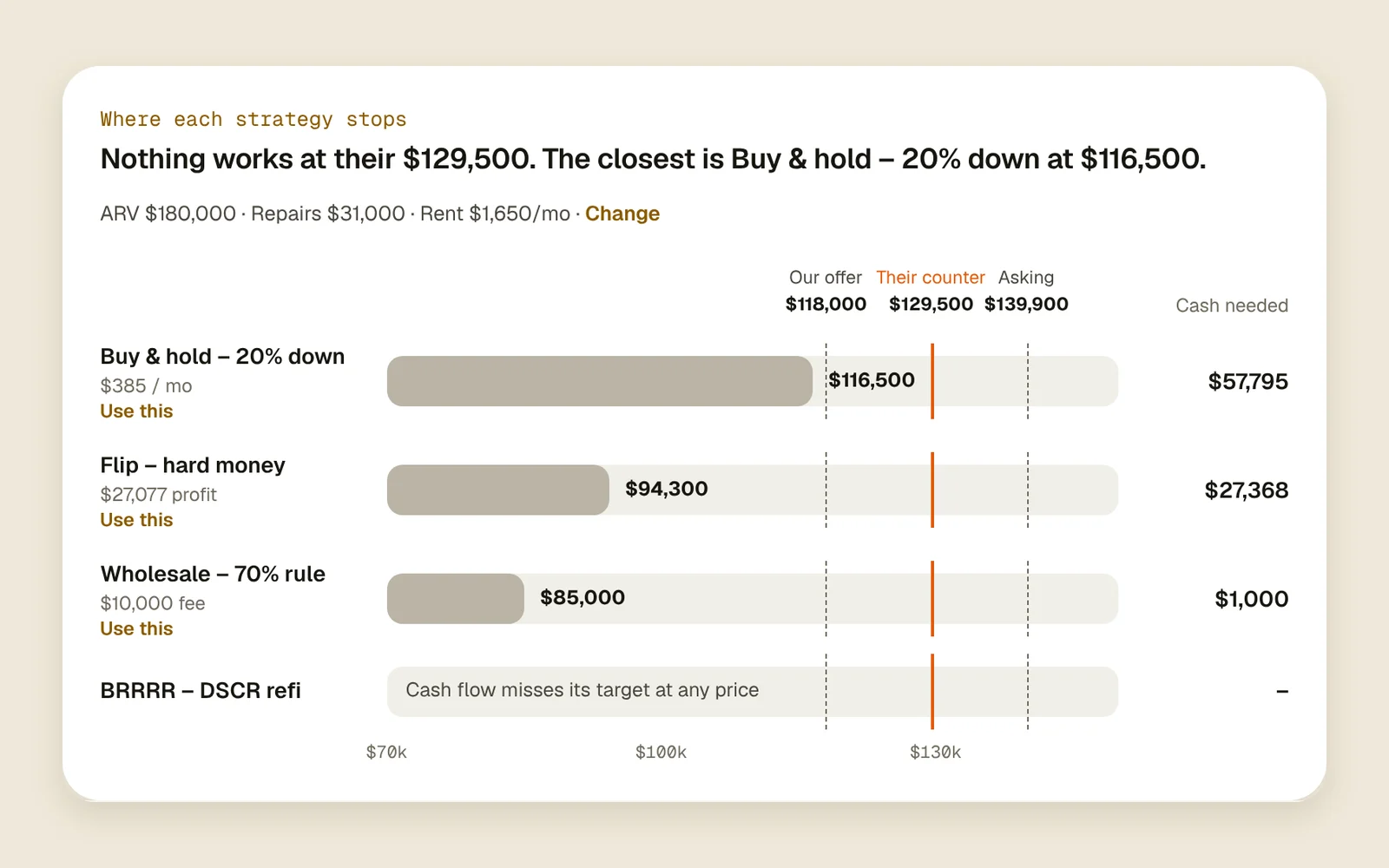
Deal calculatorsWhat each way of buying can pay for a lead, and the cash it takes.All plans3 min read
ChaseIt remembers, so you don't have to.
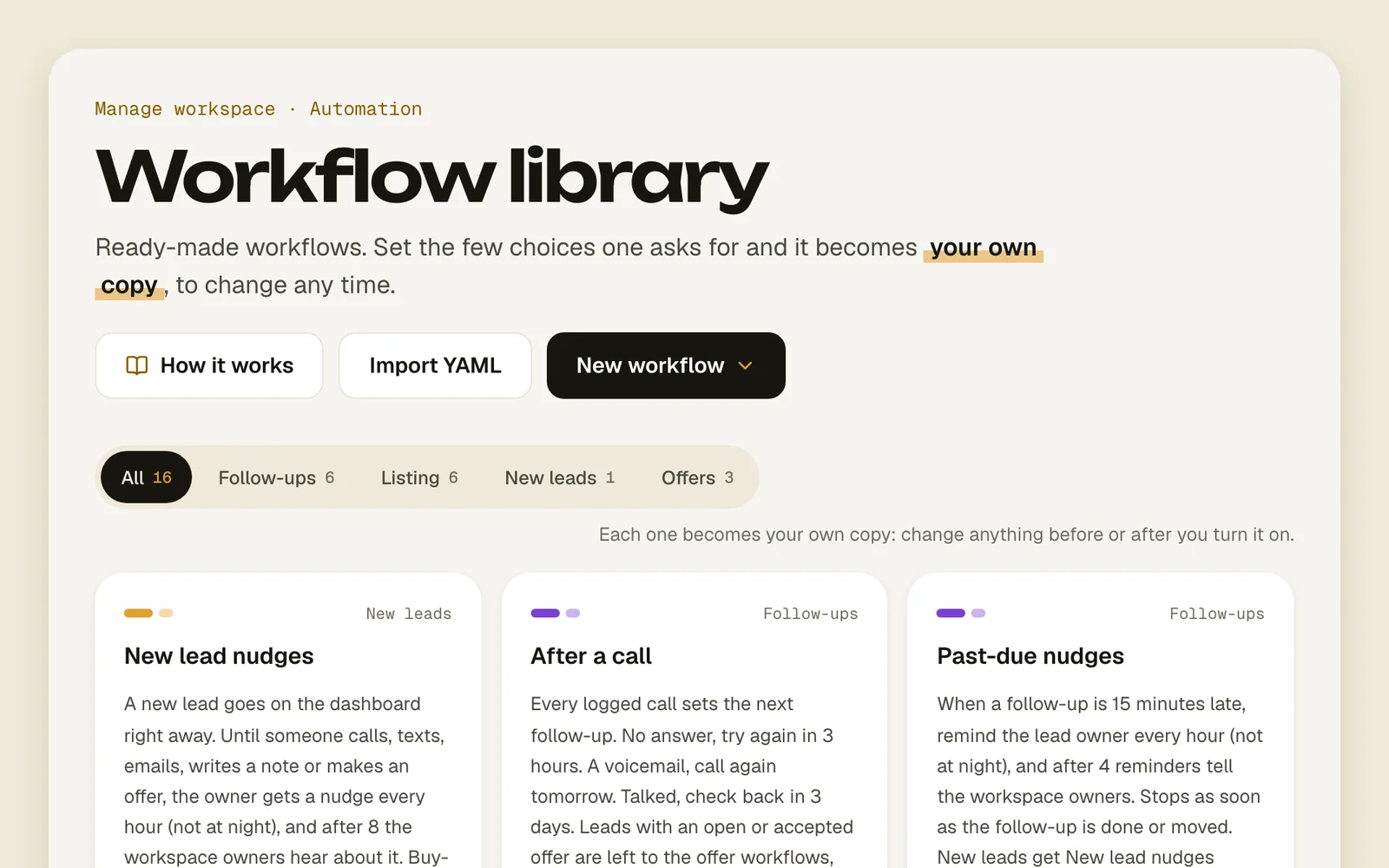
Ready-made workflowsPick one from the library, fill in the blanks, turn it on.All plans3 min read
Describe a workflowSay the cadence you want in a few sentences and Acre AI drafts it.All plans2 min read
Write it for meSay what you want in a few words and Acre AI writes the text or email.All plans2 min read
Acre AIWhat Acre AI does, what it sees, which plans have it and its daily limit.All plans2 min read
Ask Acre AI in workflowsA workflow step that writes, sums up or decides, for the steps below it.All plans3 min read
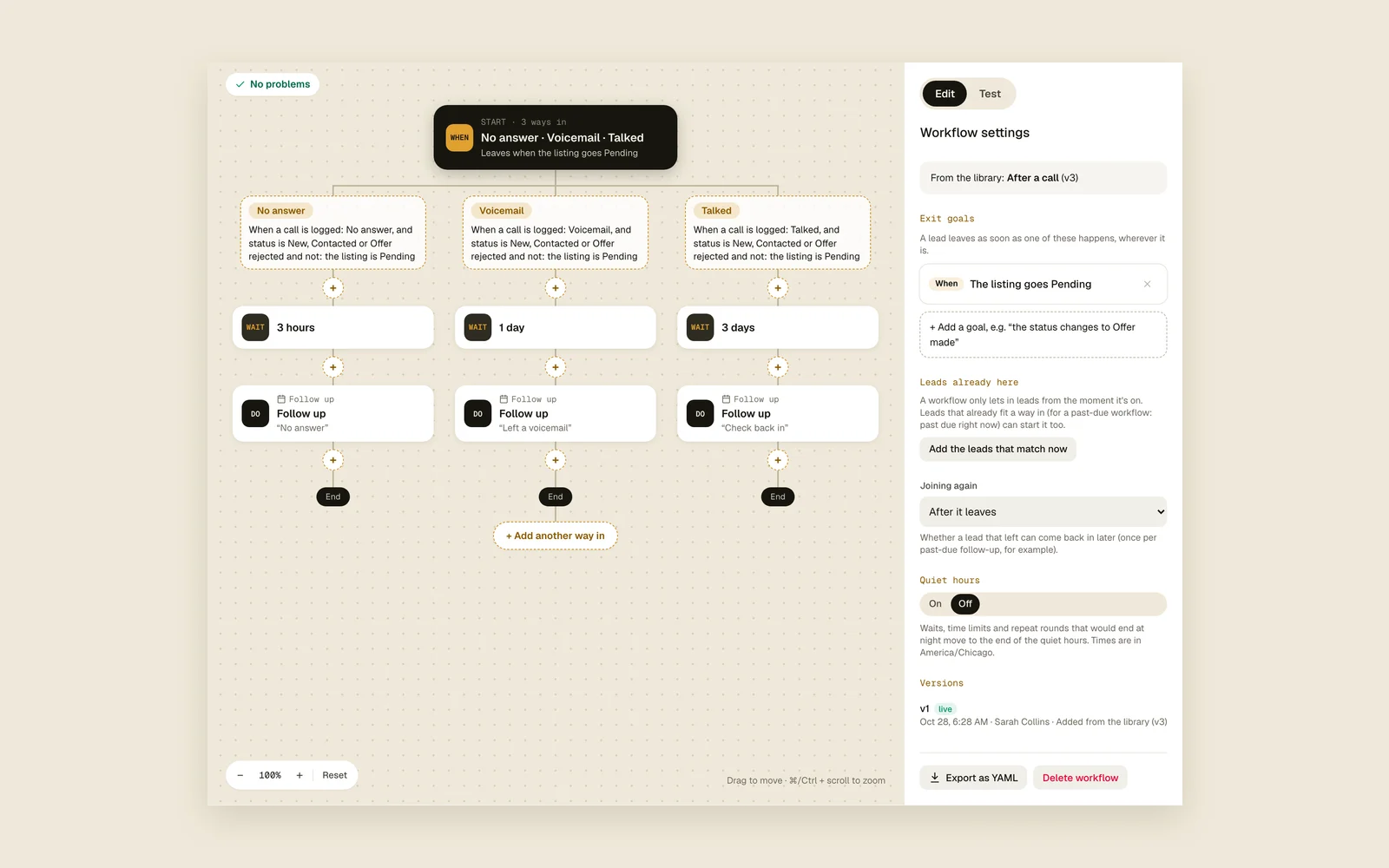
Build your own workflowIf blocks, waits, splits and test mode, step by step.Field and Estate7 min read
Reminders“Remind me when it's 30 days on market”, typed in the note box.All plans2 min read
Push notificationsWhat buzzes your phone, and quiet hours.All plans2 min read
Texts and emails from workflowsConnect Twilio and Gmail and let workflows write.Estate3 min read
CloseEvery call, offer and counter in one feed.
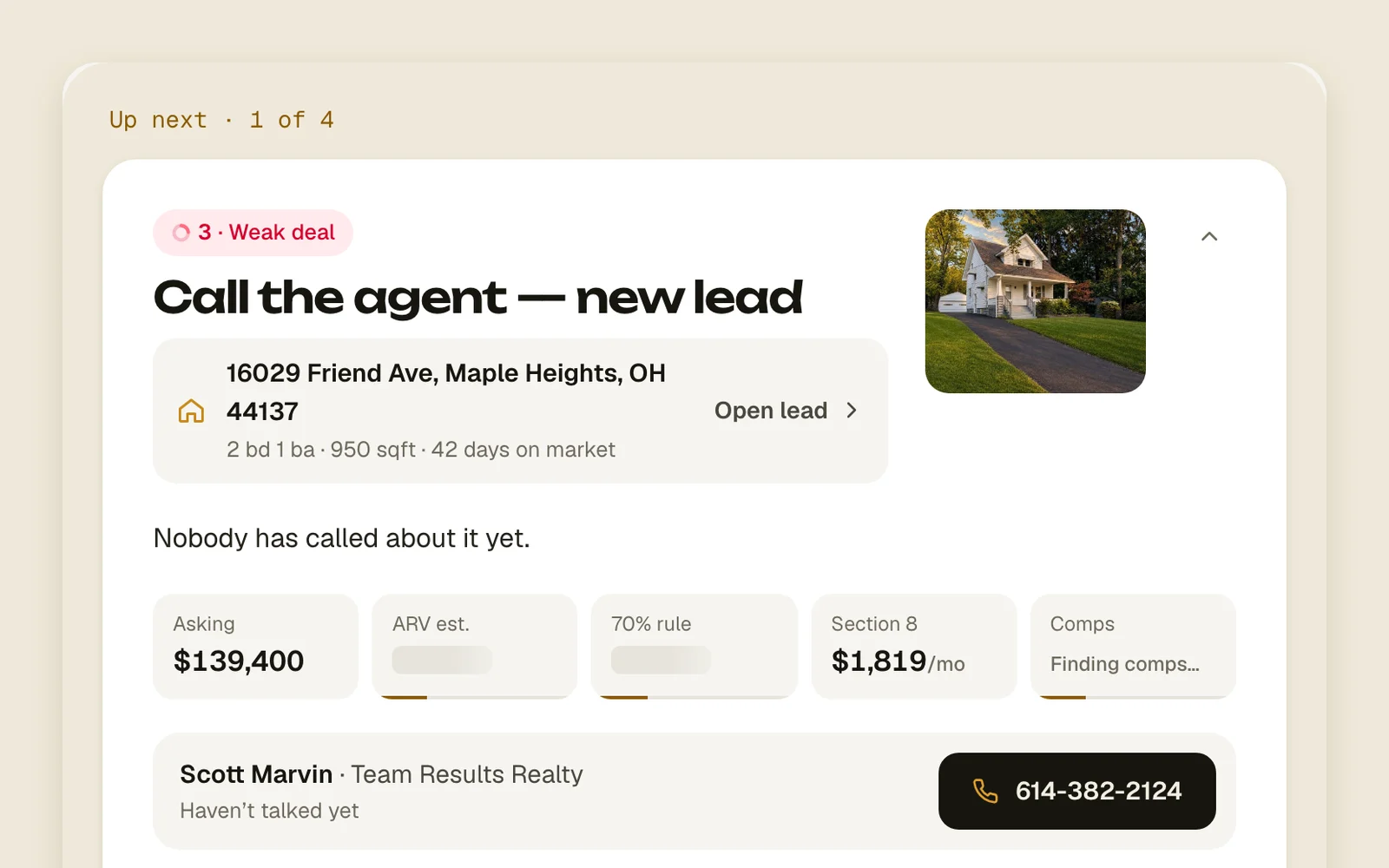
One lead at a timeToday: who to call next, the agent's number and logging the call.All plans3 min read
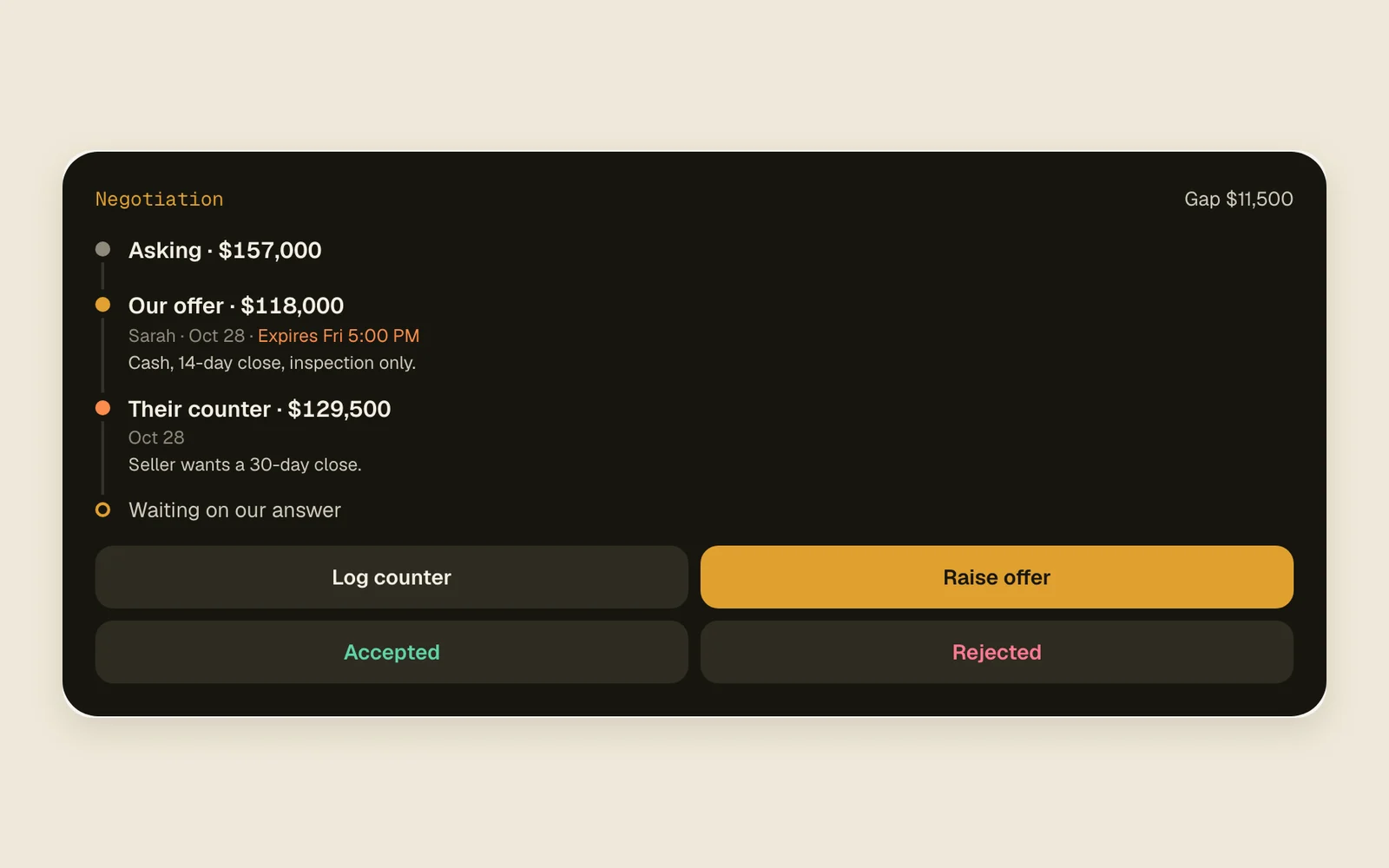
Offers and countersTrack both sides and when each one expires.All plans2 min read
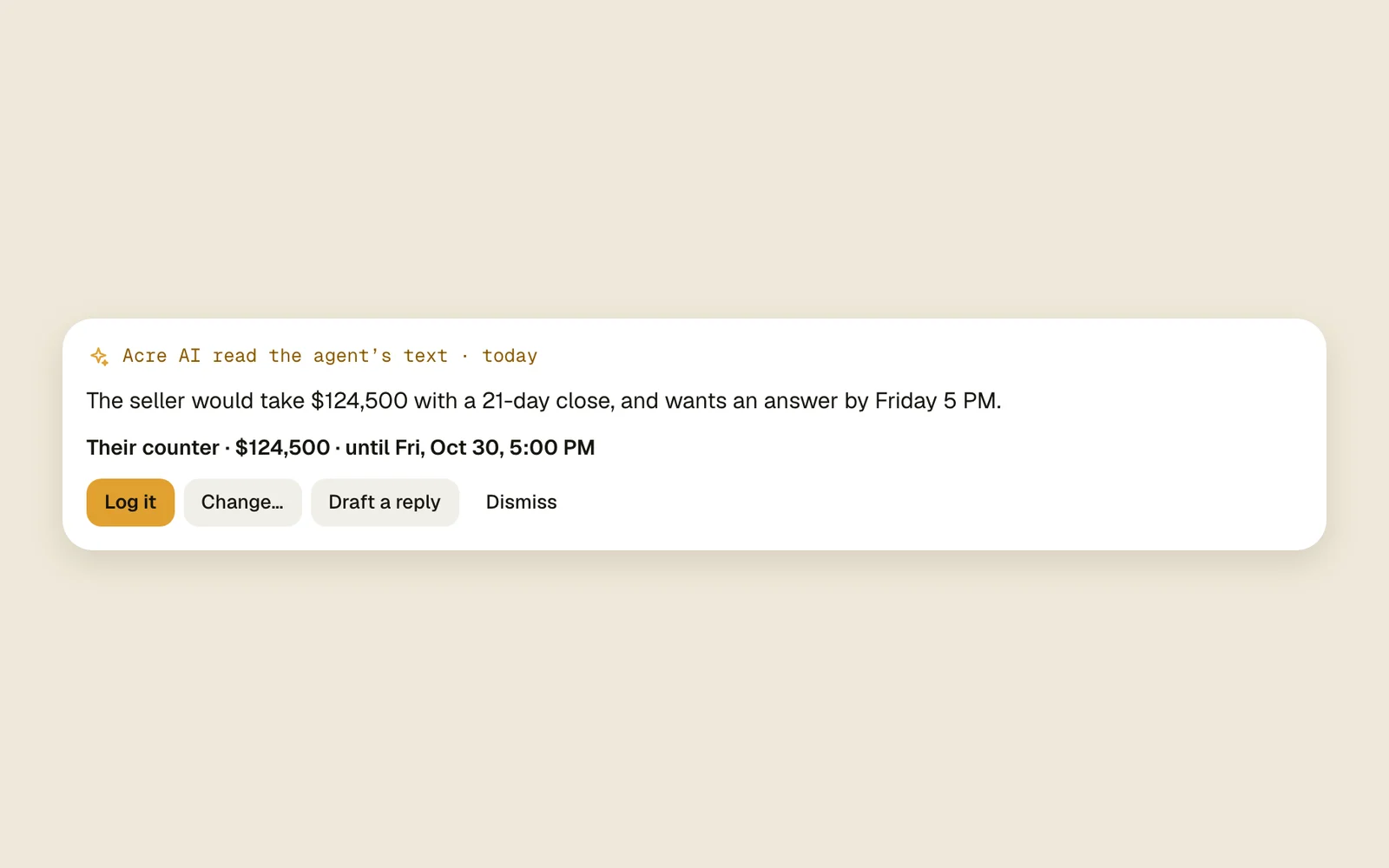
Read agent repliesAcre AI reads what the agent sends back, gets the log ready and drafts your answer.All plans3 min read
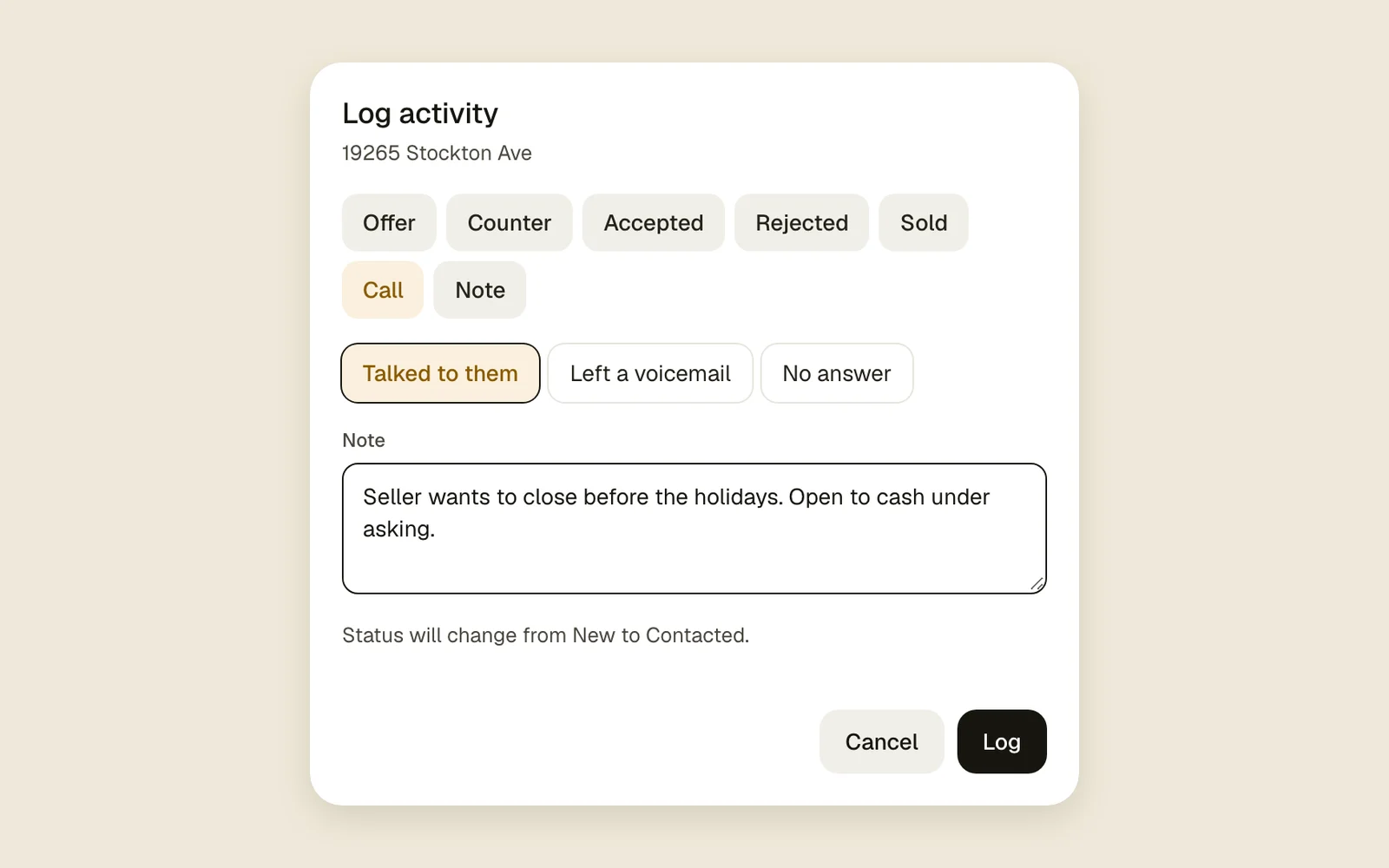
Log it and undo itCalls, offers and notes in two taps, and Undo.All plans2 min read
Call, text and email from AcreYour own number and address, replies on the lead.All plans4 min read
Files on every leadPhotos, contracts and reports, up to 25 MB each.All plans1 min read
Connect your AI agentSign in from Claude, ChatGPT, Cursor or another MCP agent, then ask it what’s due and let it log for you.All plans3 min read
TeamWork the same leads together.
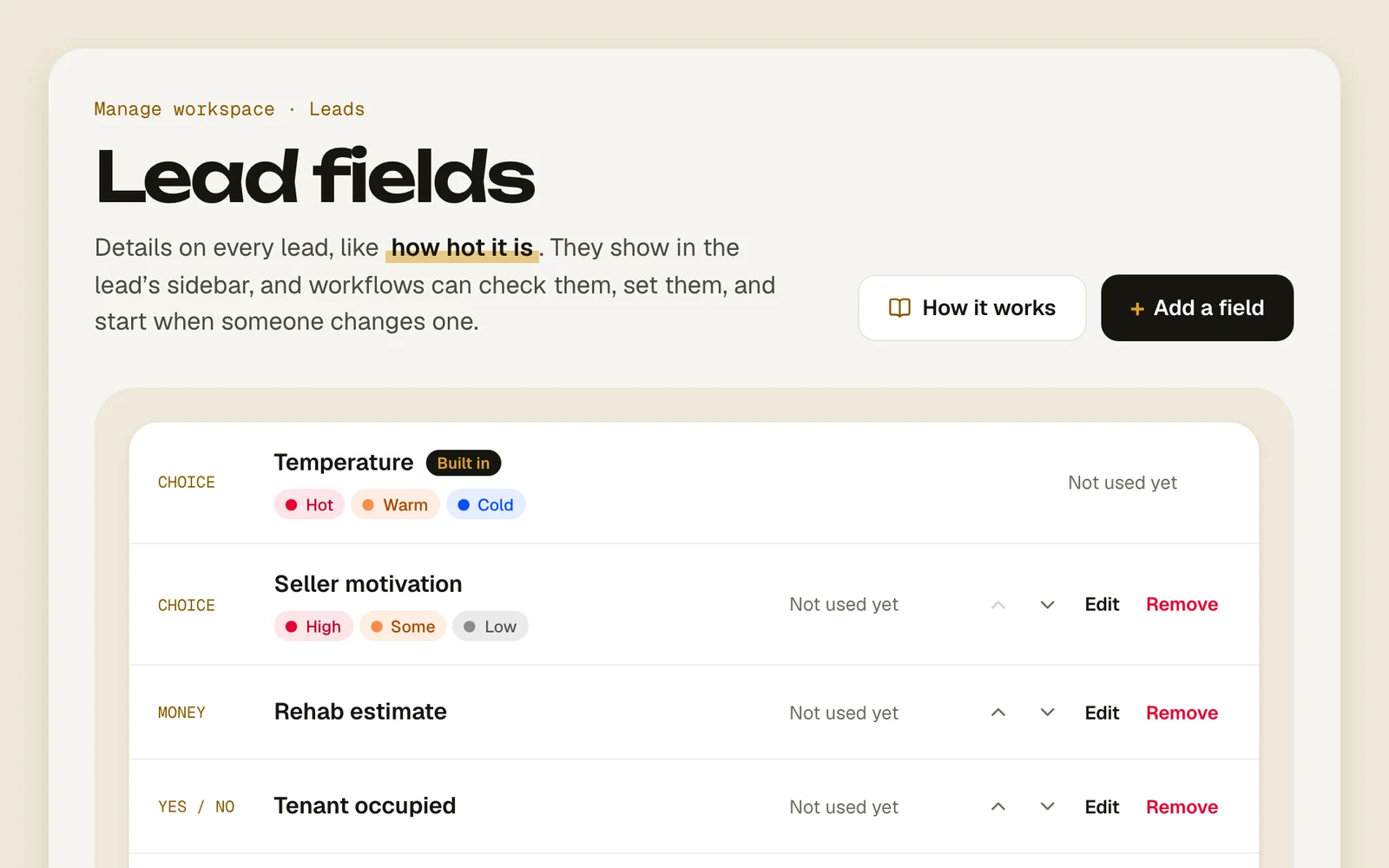
Your own lead fieldsAdd fields like “Pre-approved” and use them in workflows.Field and Estate2 min read
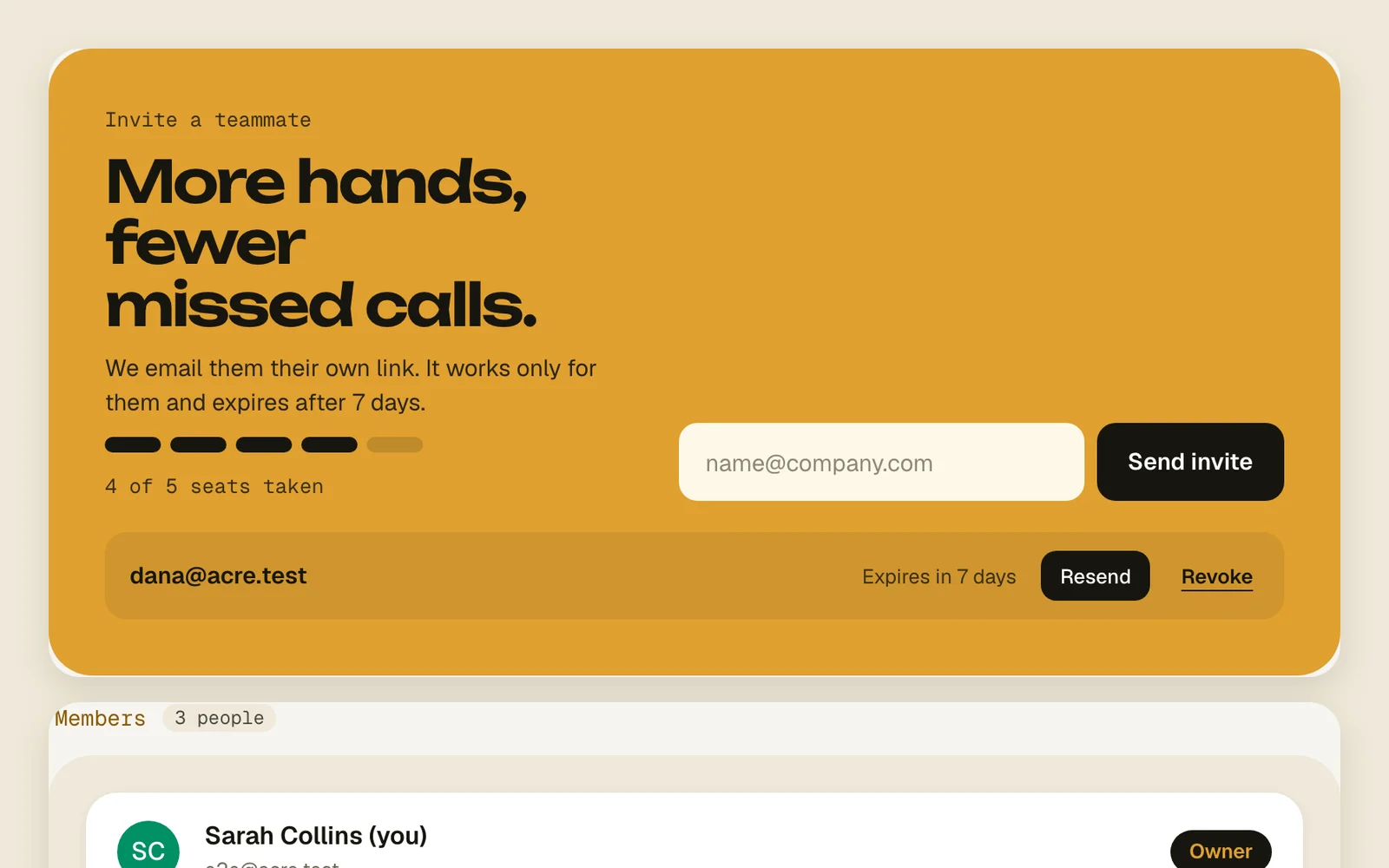
Members and invitesInvite teammates and decide who owns what.Field and Estate2 min read
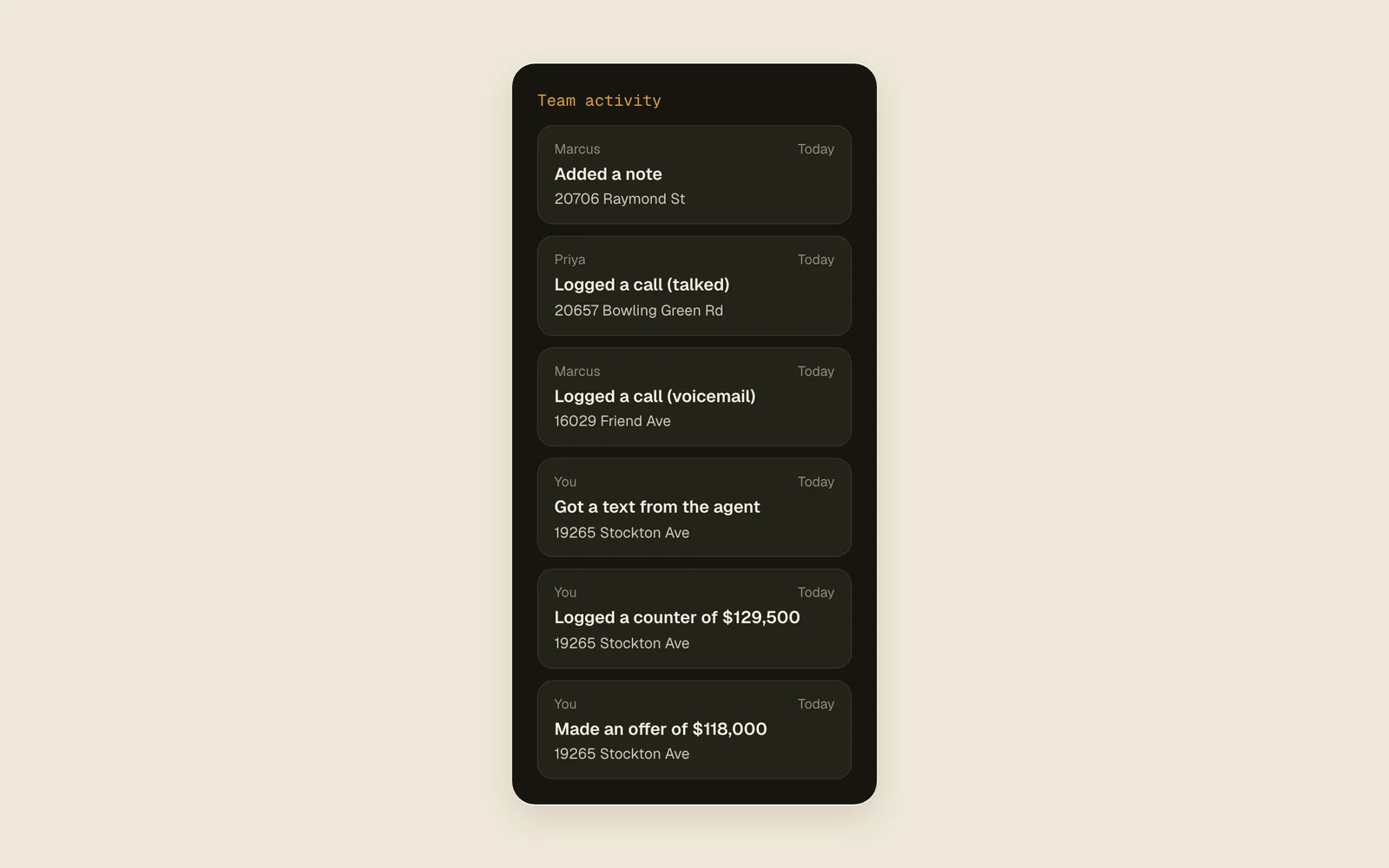
Mentions and team activity@mention a teammate and see what everyone logged.Field and Estate2 min read
Daily digestOne email a day with what happened in a workspace.All plans2 min read
Plans and limitsWhat each plan includes and what happens at a limit.All plans3 min read
Still stuck?
Write to us and a real person answers.