FindListings come to you.
Buy boxes
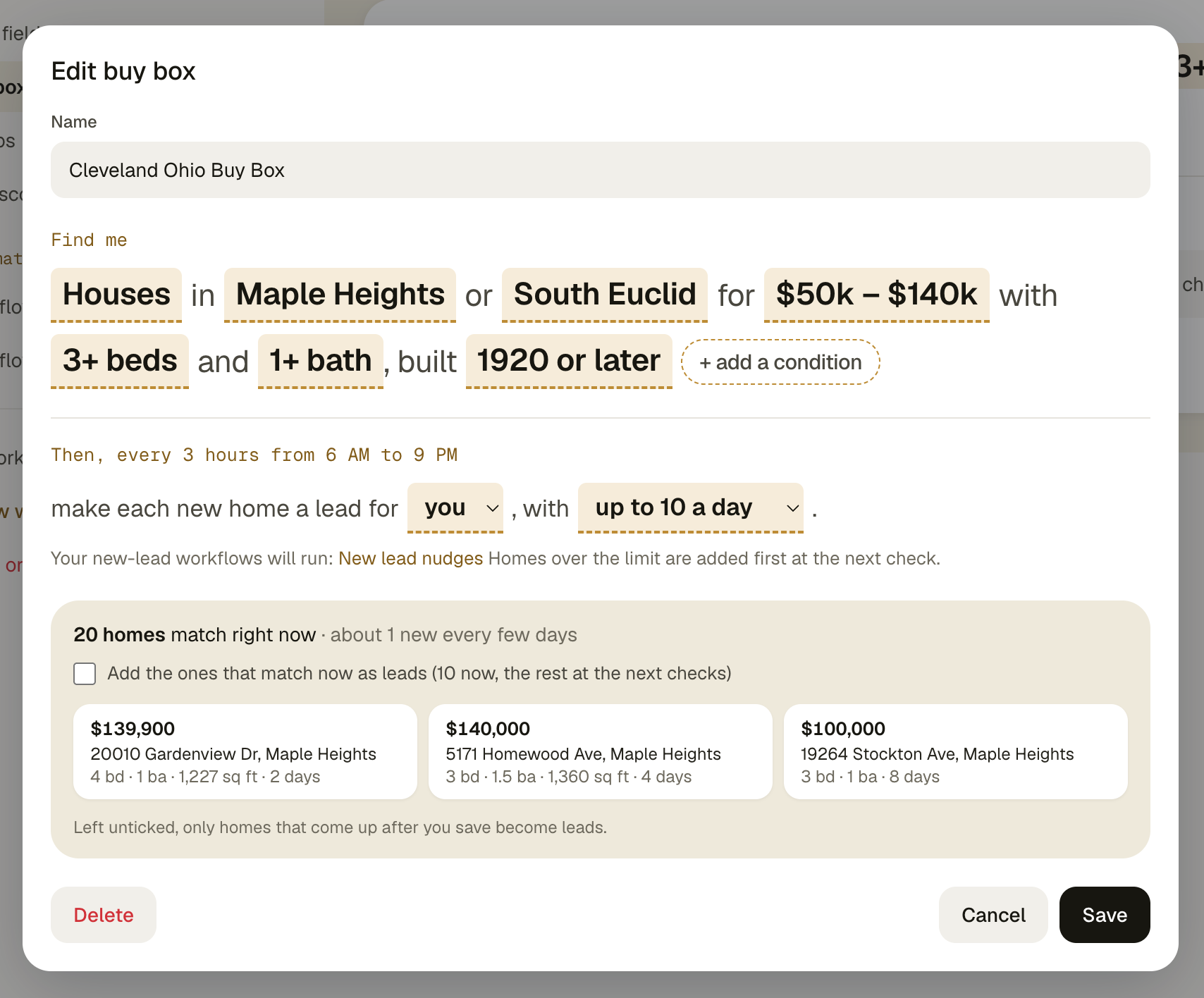
Write what you're looking for the way you'd say it. Acre checks the market every 3 hours and every new match lands as a lead with an owner.
Read the guideImport from a link or a CSV
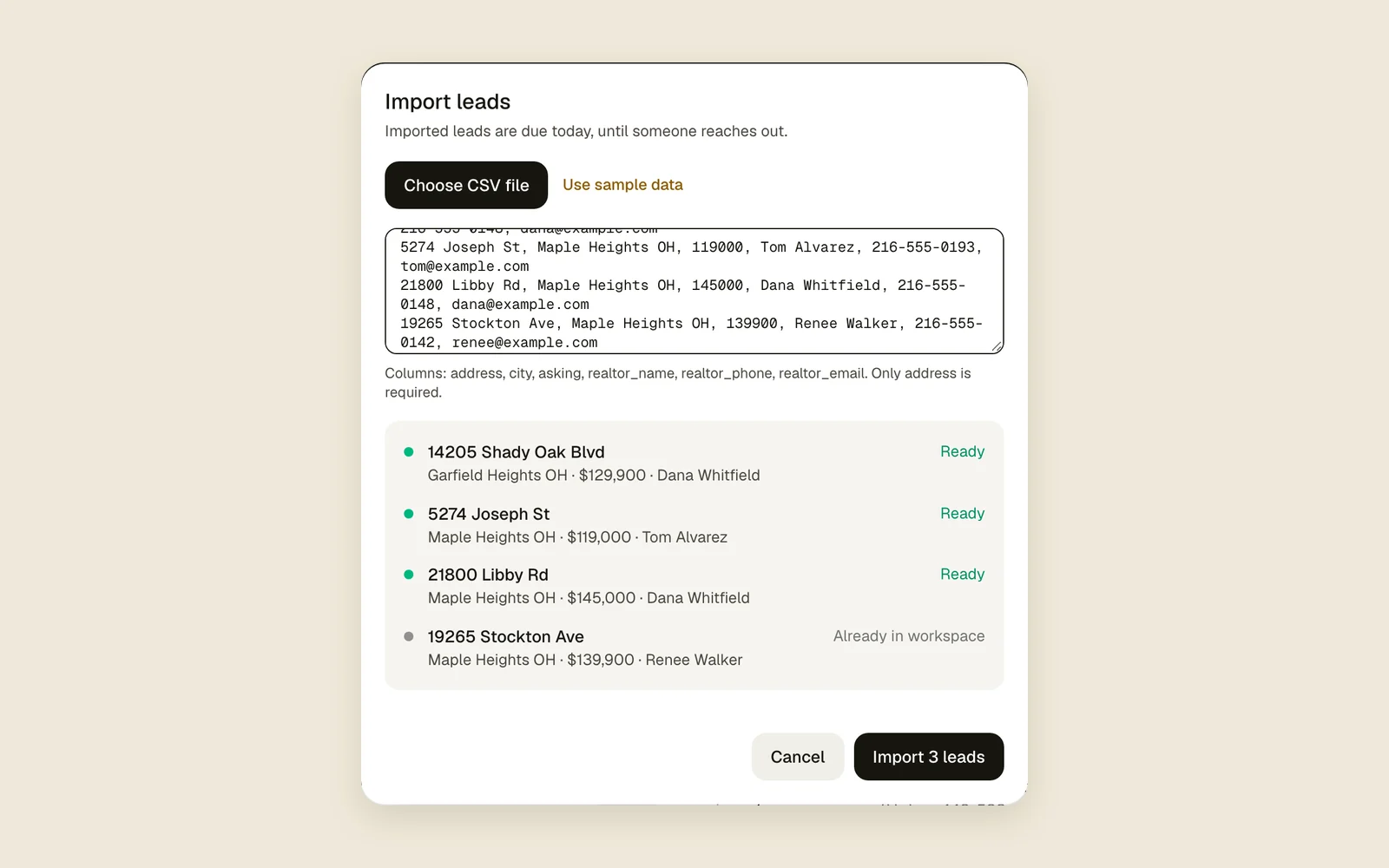
Paste a Zillow, Redfin or Realtor.com link, type an address, or bring your old spreadsheet in as a CSV.
Read the guideLeads list and map
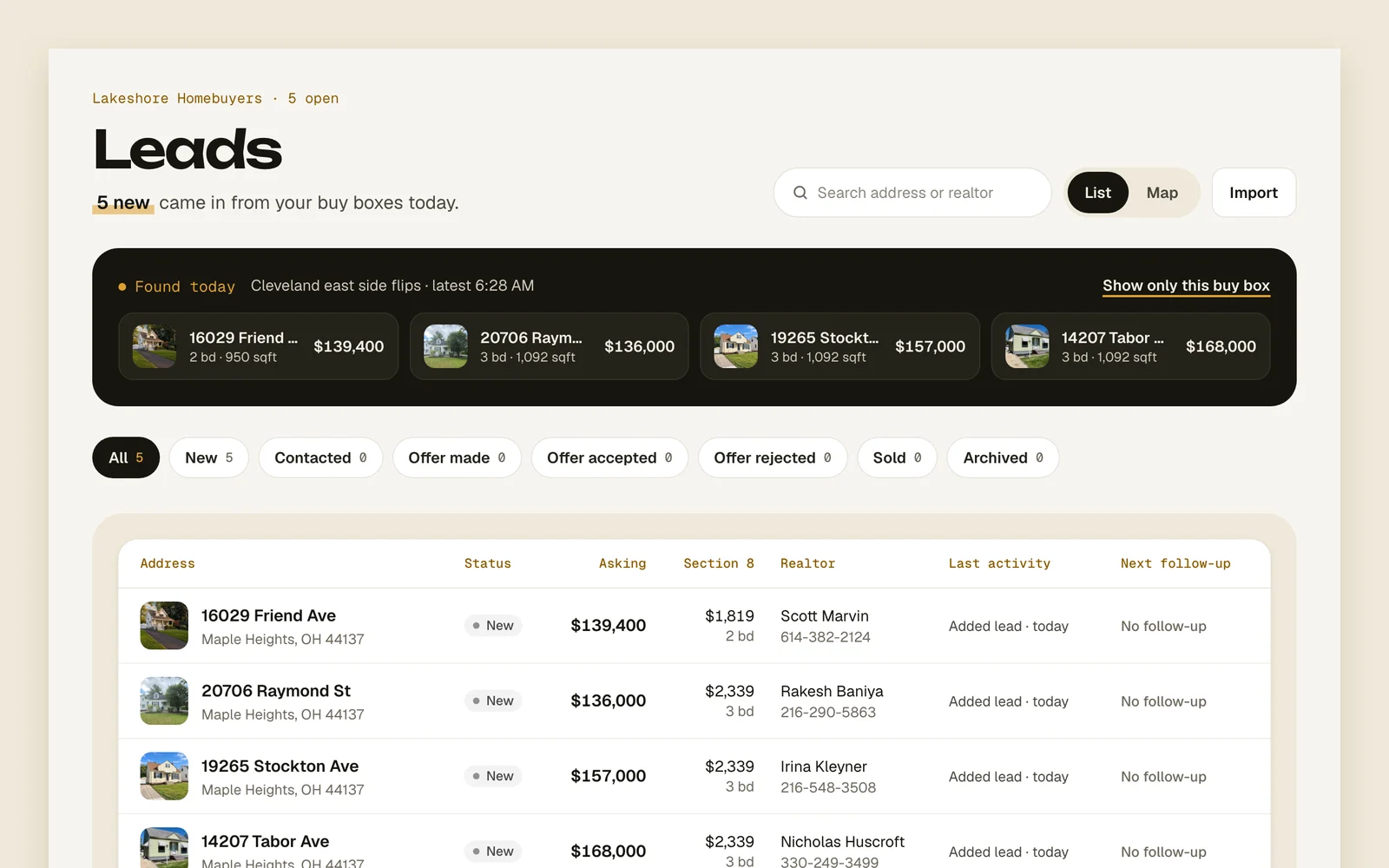
Every lead on a list or a map, with status filters, search and the archive one tap away.
Read the guideListing watch
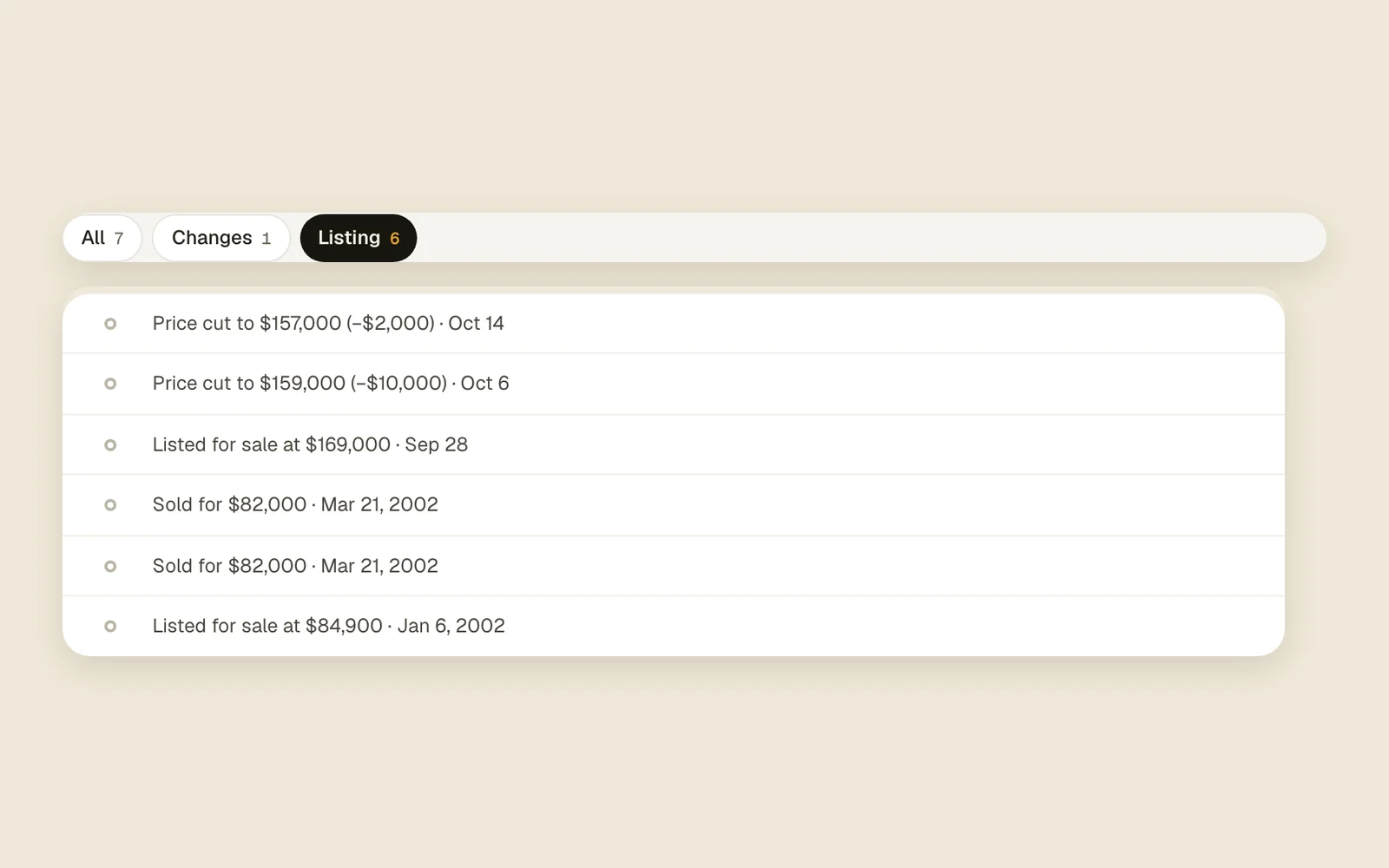
Acre re-reads each listing about once an hour: price drops, pending, back on the market and sold land in the lead's feed.
Read the guide
PriceKnow the number before you dial.
Comps, ARV and rent
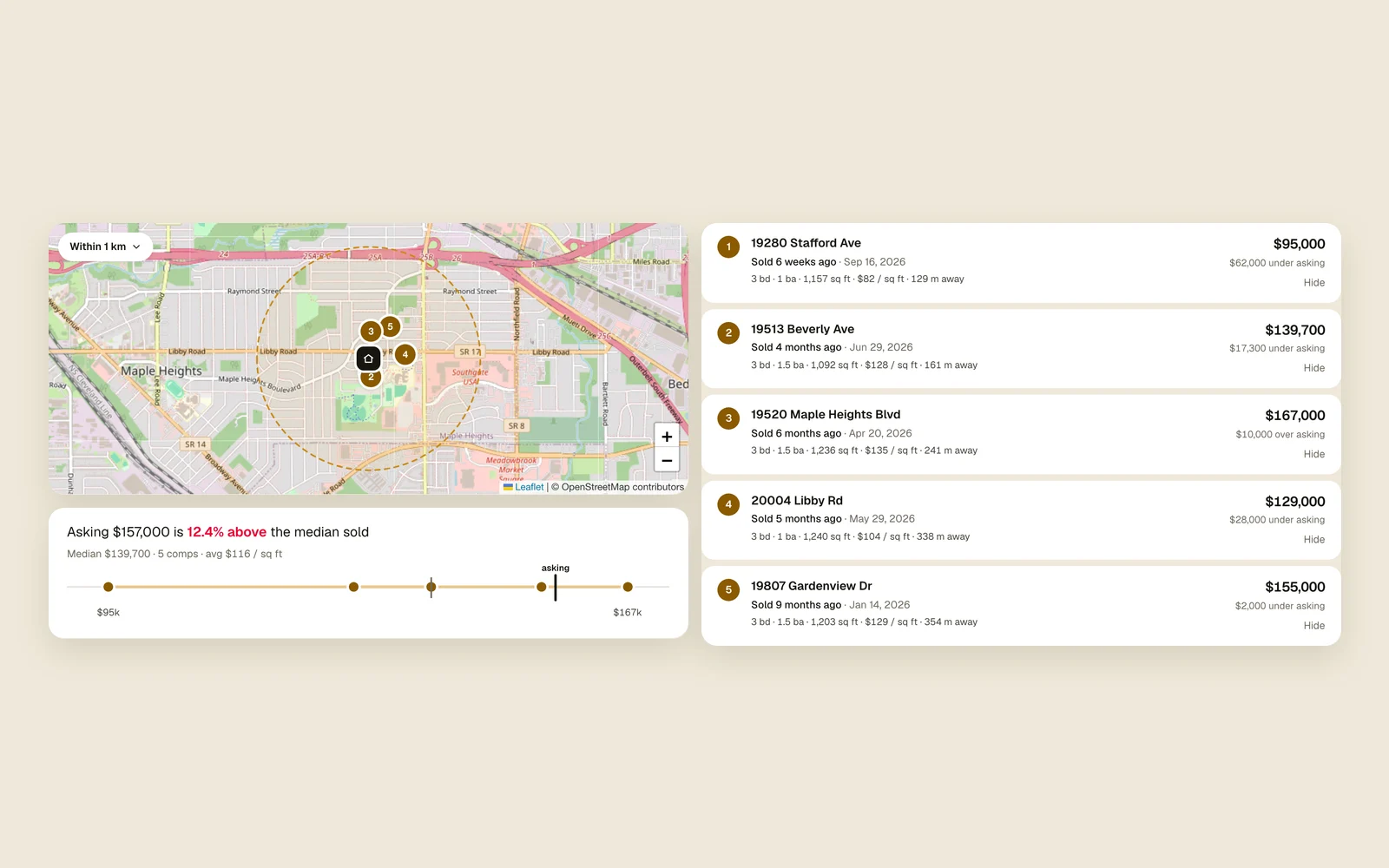
Every lead gets the nearest sold homes of a similar size, and from them the ARV, your 70% number and what it should rent for.
Read the guideYour own comp rules
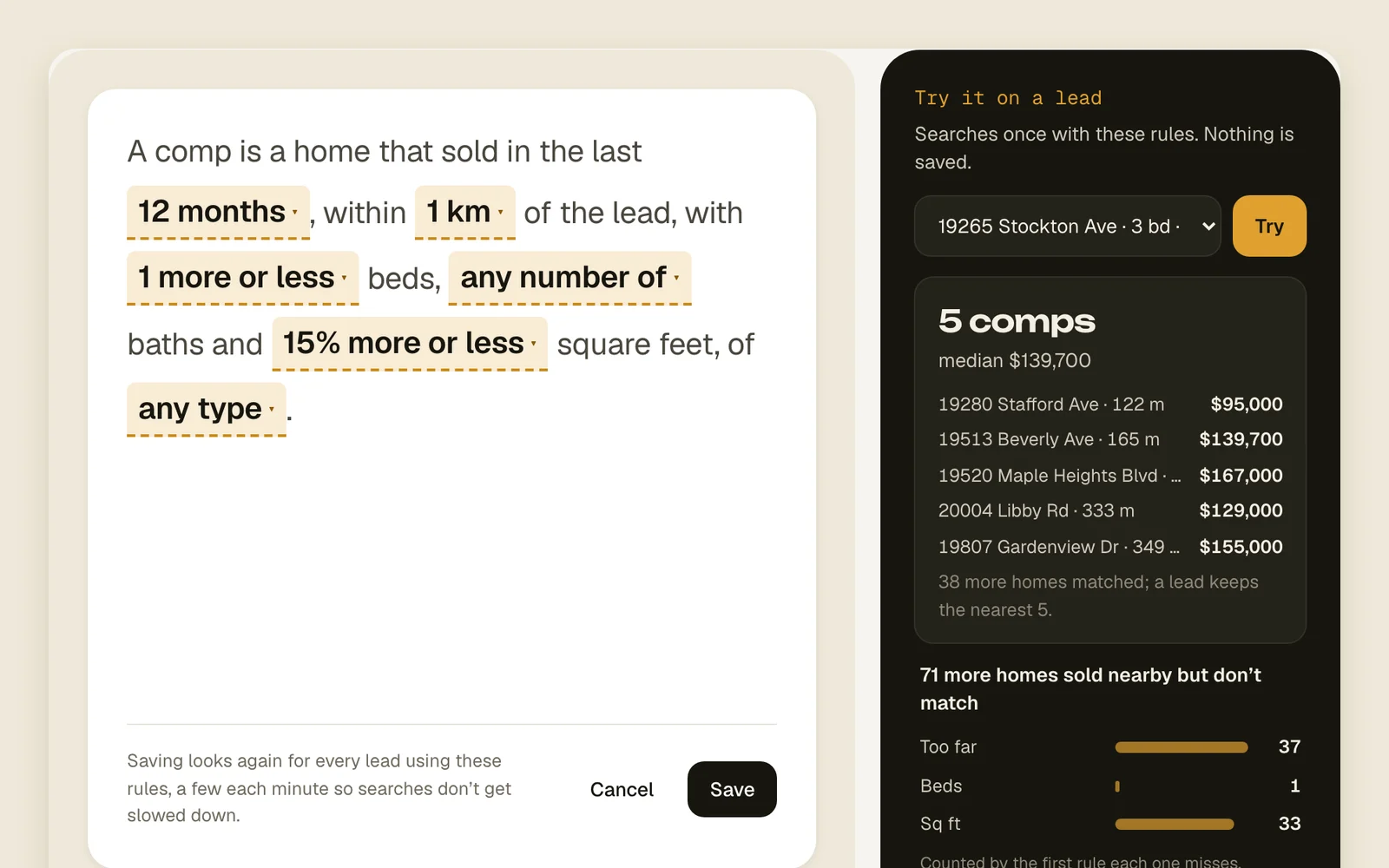
Set how far, how recent and how similar a comp has to be, for the whole workspace or for one lead.
Read the guideDeal score
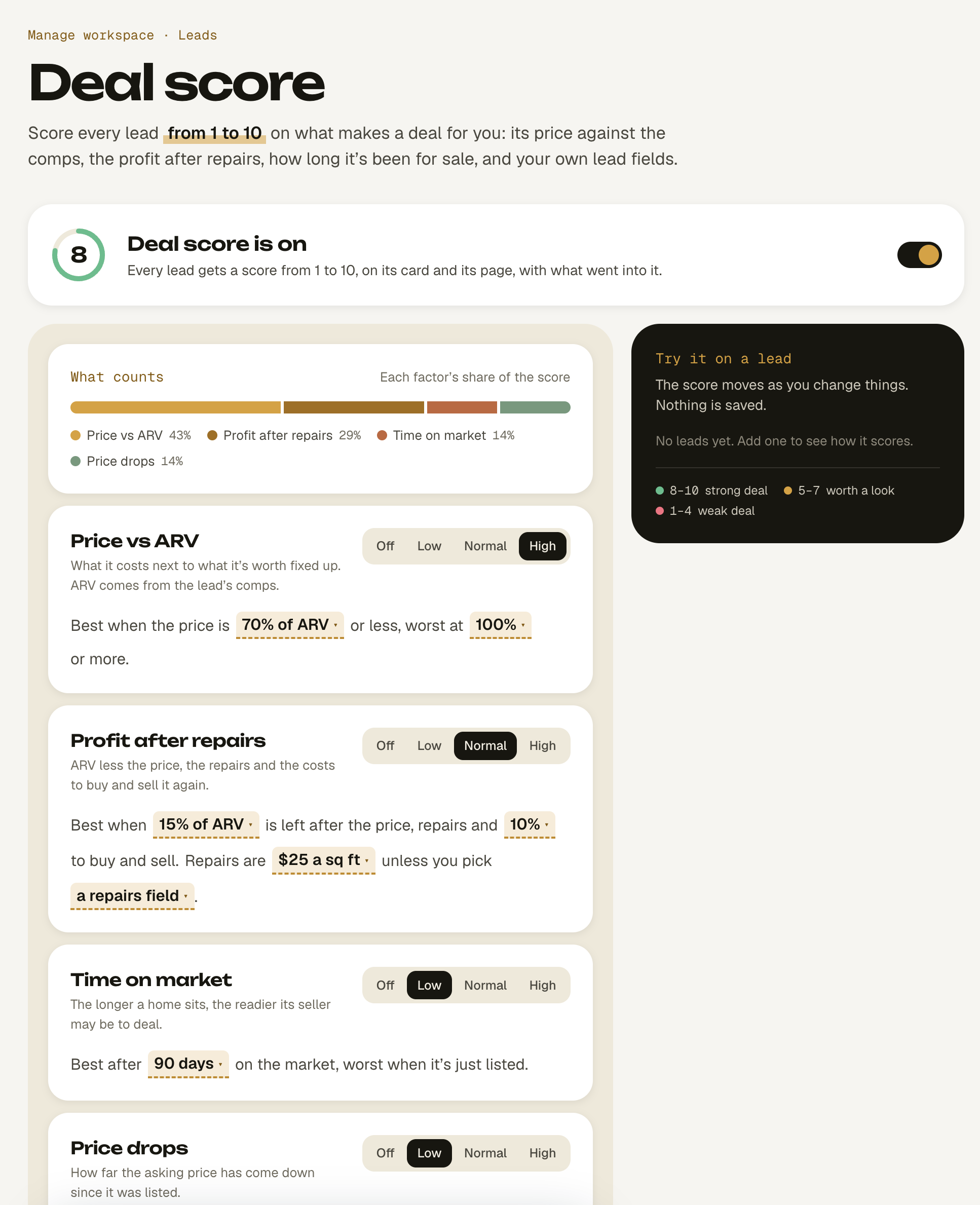
A score out of 10 on every lead, with what went into it, so the best deals rise to the top of your list.
Read the guideDeal calculators
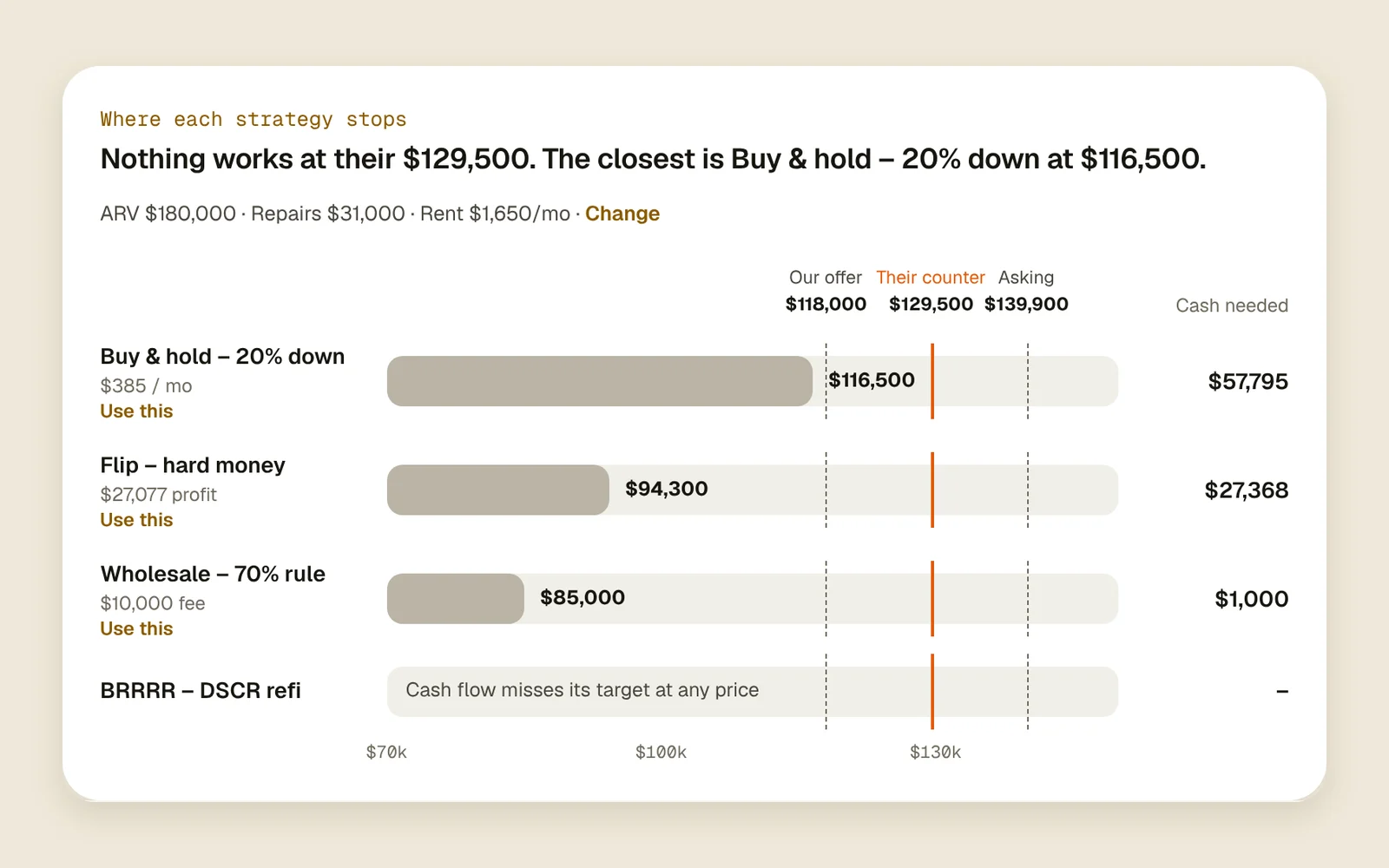
Wholesale, fix & flip, BRRRR and buy & hold, with your loan terms and targets. Every lead shows each one's max offer and the cash it takes, against the asking price and their counter. Start from a ready-made one.
Read the guide
ChaseIt remembers, so you don't have to.
Ready-made workflows
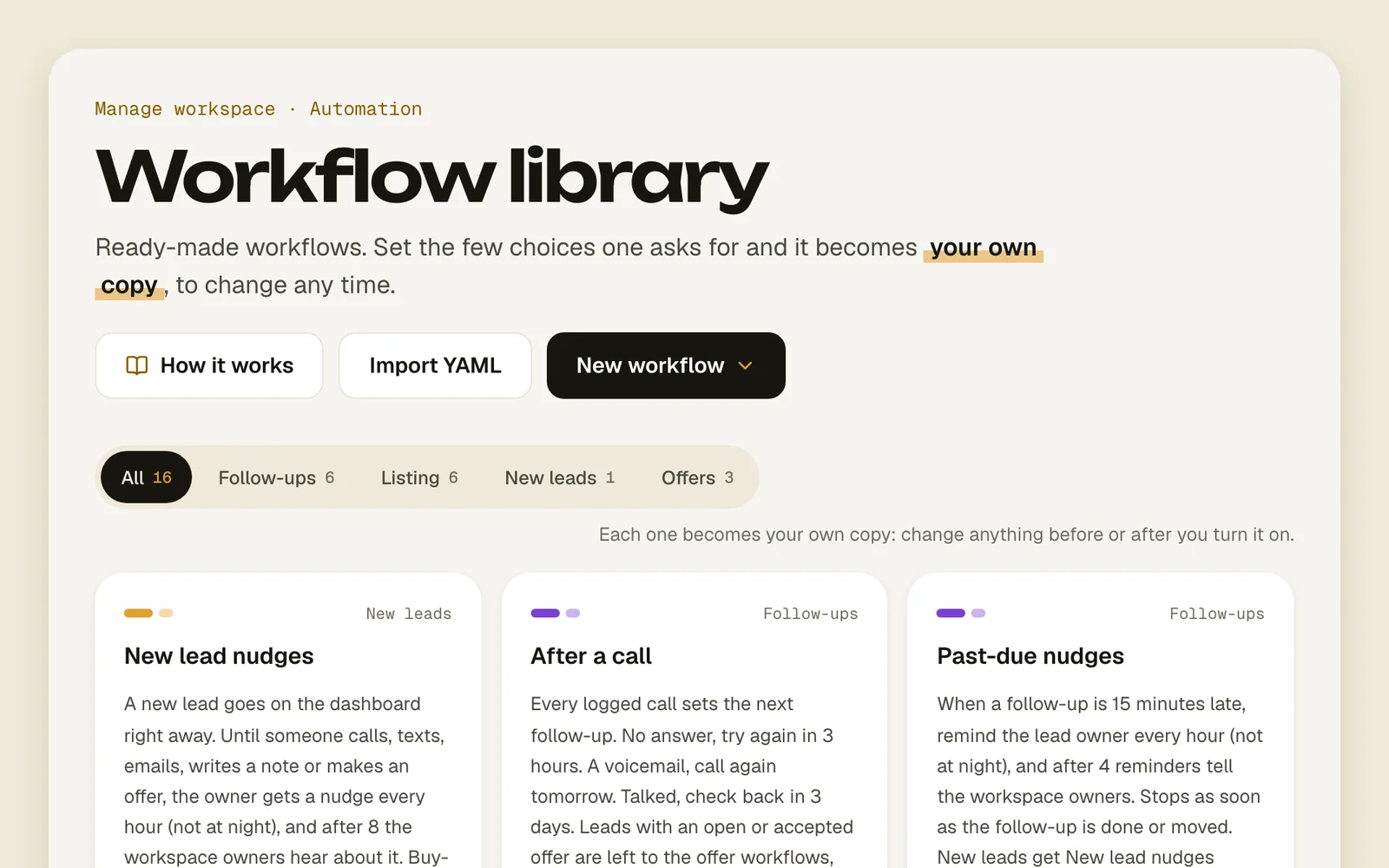
Pick a follow-up cadence from the library, change the few blanks, turn it on. Voicemail? Back on your list tomorrow.
Read the guideBuild your own workflows
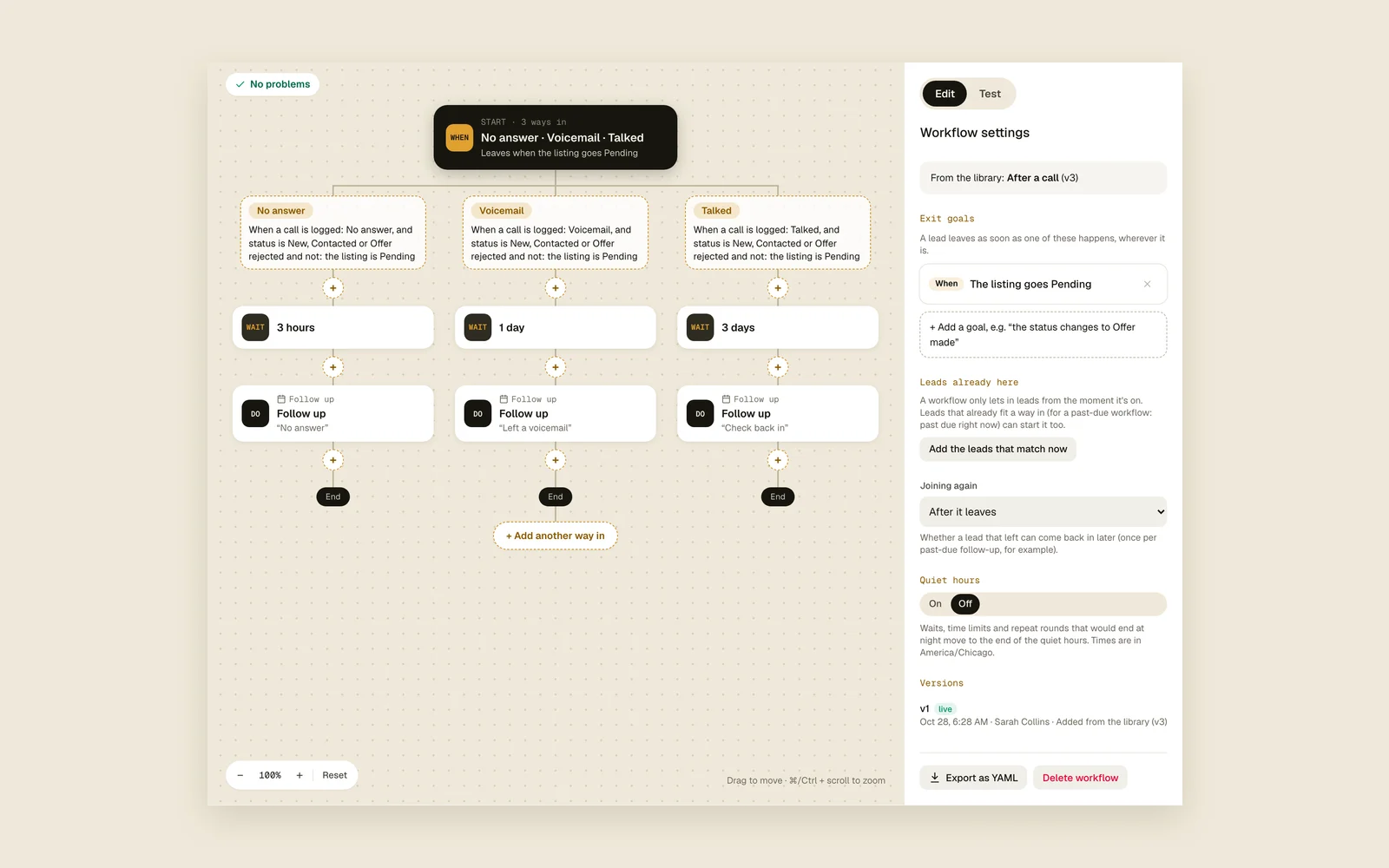
Draw cadences from If blocks on a canvas: wait for events, check facts, split A/B, repeat on a timer. Test mode runs a lead through first.
Read the guidePush notifications

Follow-ups that come due, price drops and mentions buzz your phone, with quiet hours so nights stay quiet.
Read the guideTexts and emails sent by workflows
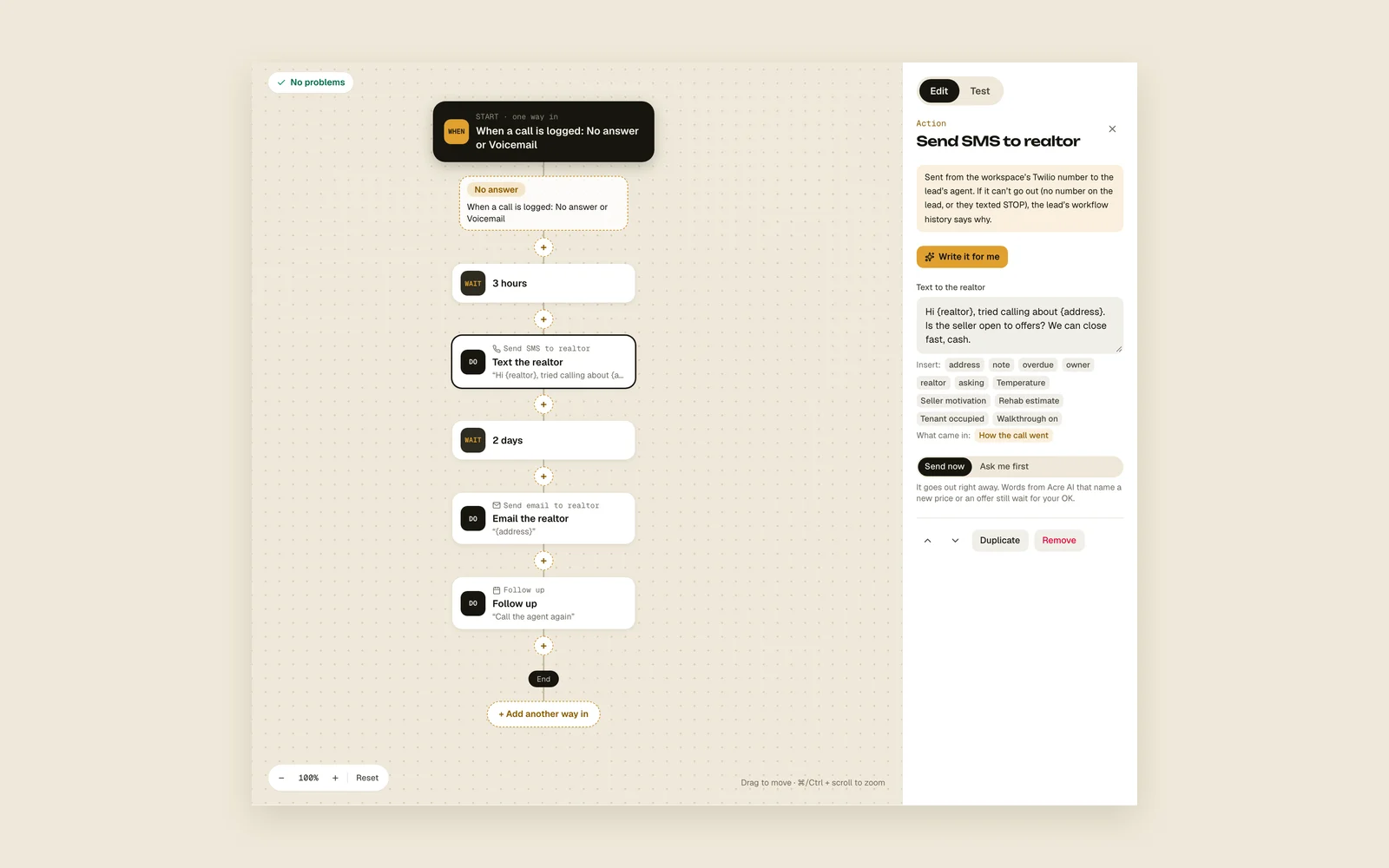
Workflows text the agent from your Twilio number and email them from your Gmail, only during the agent's daytime.
Read the guideDescribe a workflow
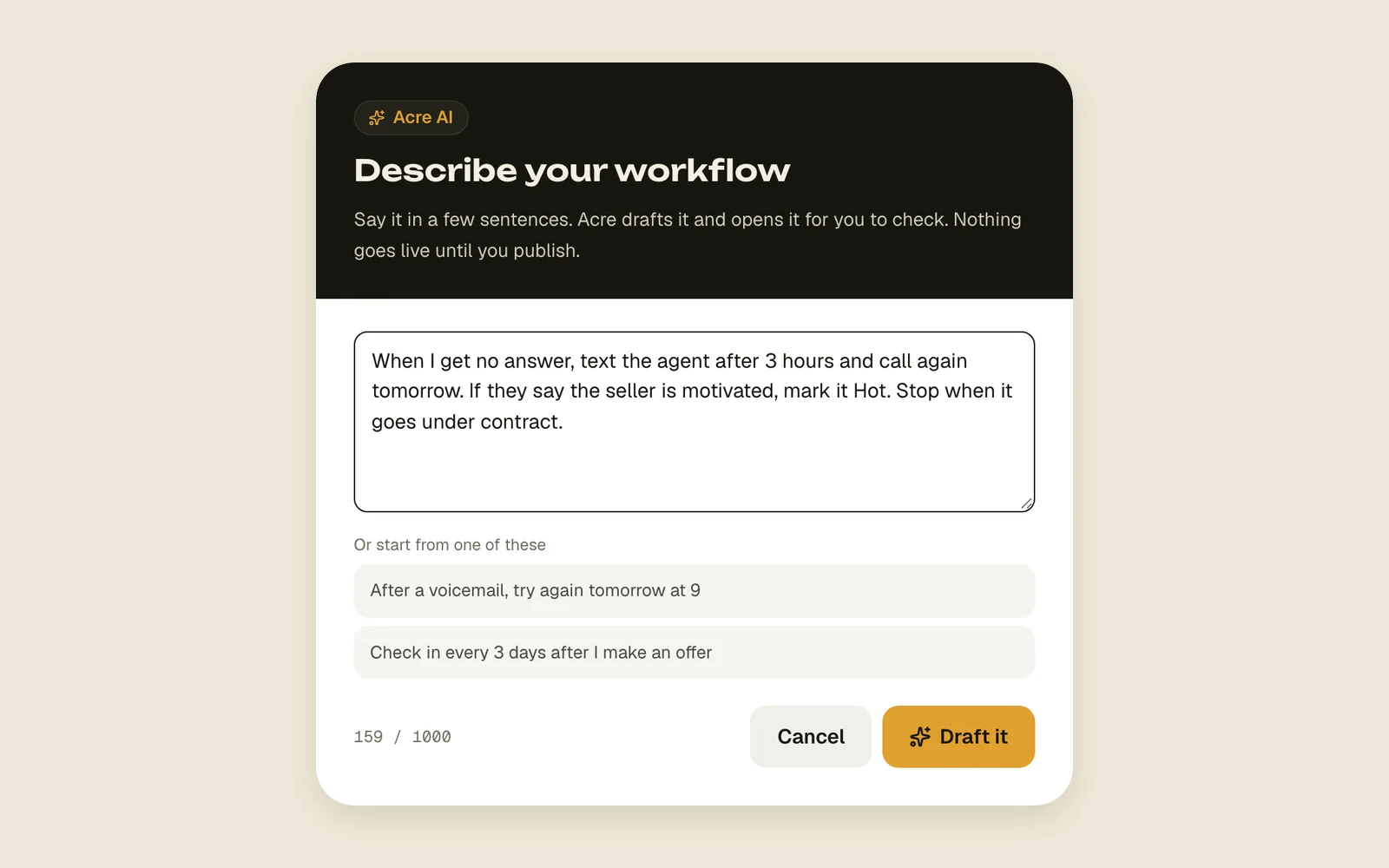
Say the cadence you want in a few sentences, like “no answer, call again in 3 hours”, and Acre AI drafts the workflow for you to check and publish.
Read the guideWrite it for me
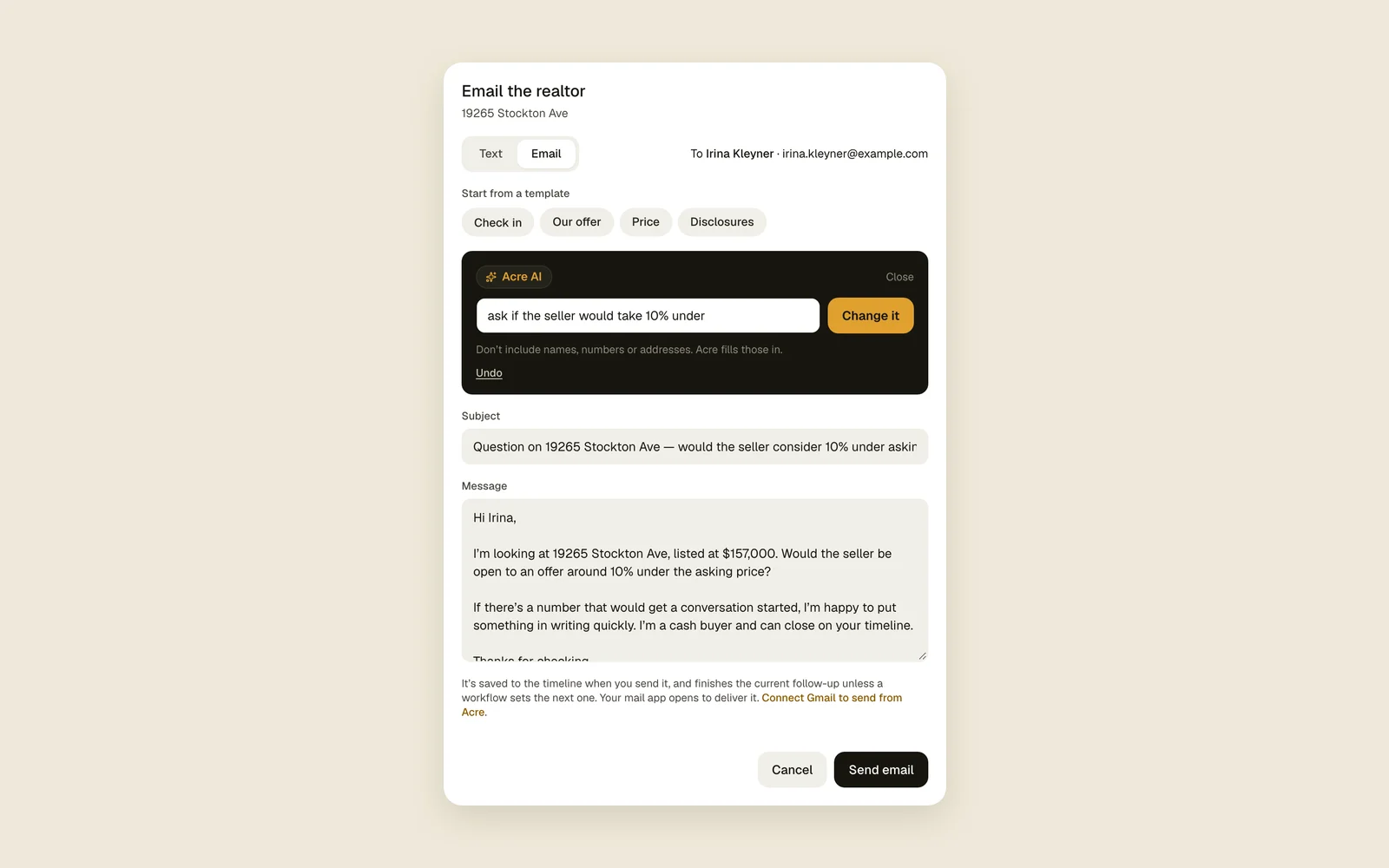
Say what you want to tell the agent in a few words, like “ask if the seller would take 10% under”, and Acre AI writes the text or email for you to read, change and send. It works in workflow steps too.
Read the guideAsk Acre AI in workflows
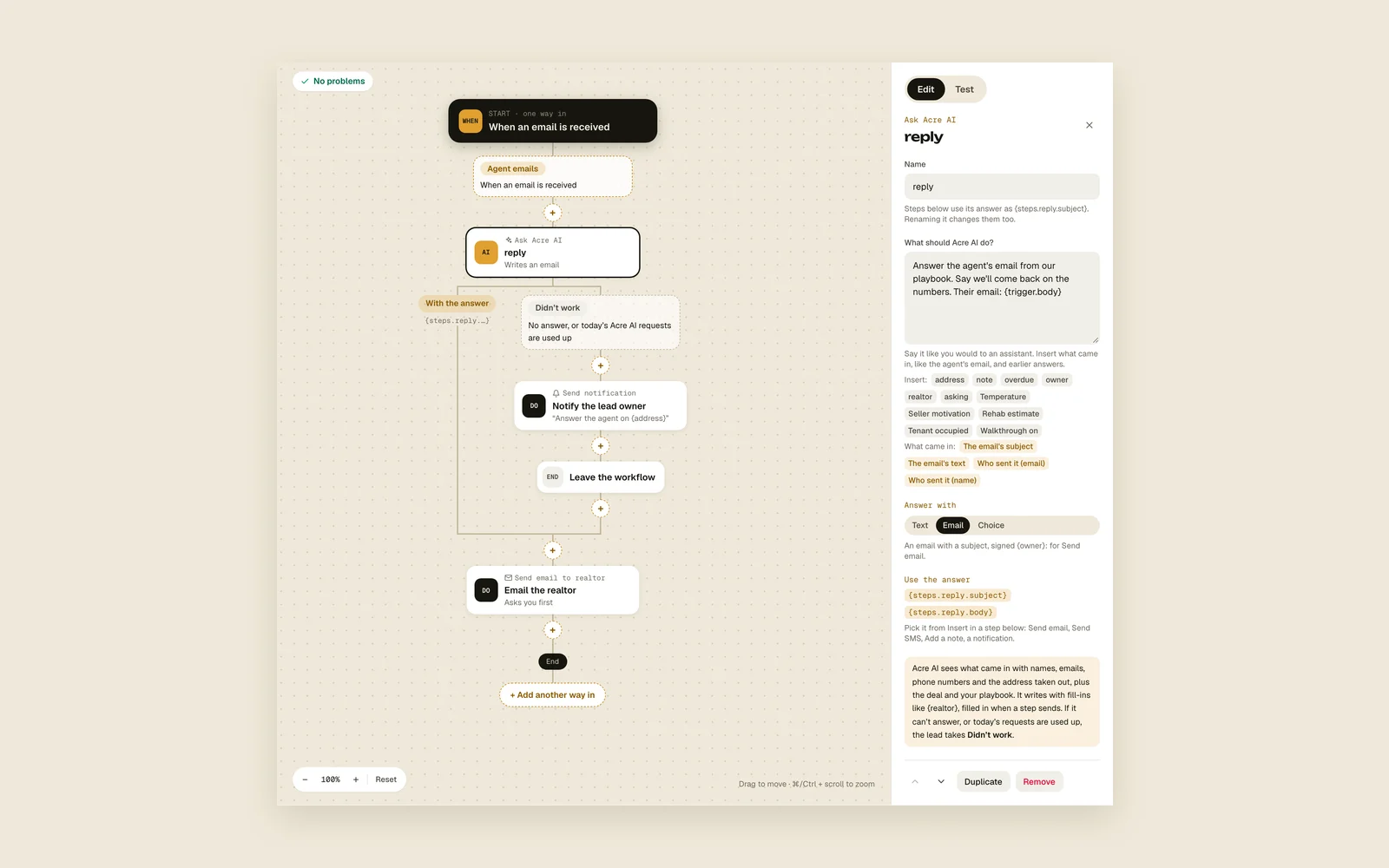
A workflow step that asks Acre AI: when the agent emails, it writes the answer from their email and your playbook, sums it up or picks the next path. Send it right away, or have it ask you first.
Read the guideReminders
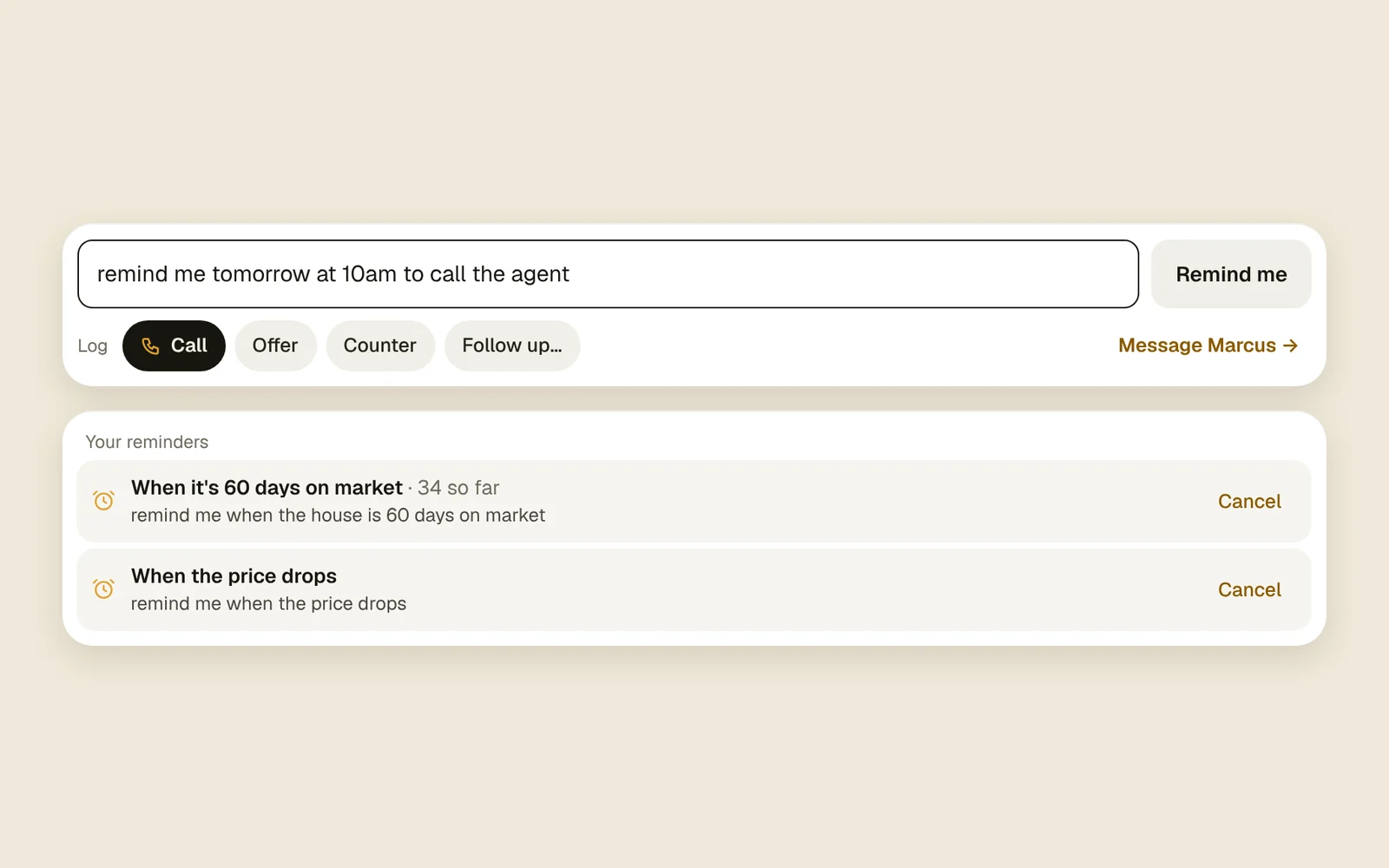
Type “remind me when it's 30 days on market” in a lead's note box. Acre pings you then, or in 3 days, or when the price drops, it goes pending, comes back or sells.
Read the guide
CloseEvery call, offer and counter in one feed.
One lead at a time
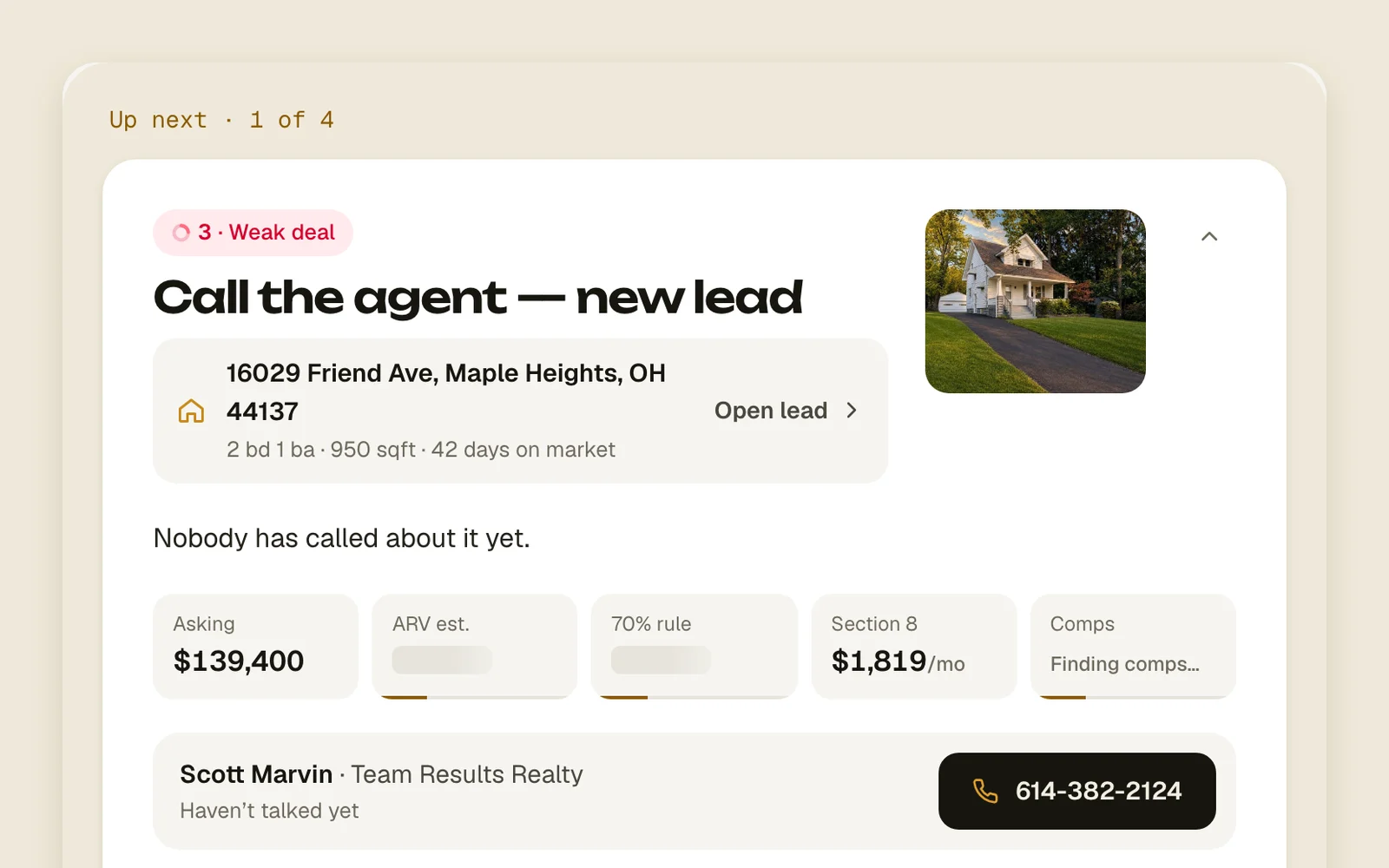
The dashboard hands you the most overdue lead first, with the agent's number, Text and Email, and keyboard shortcuts.
Read the guideCall, text and email from Acre
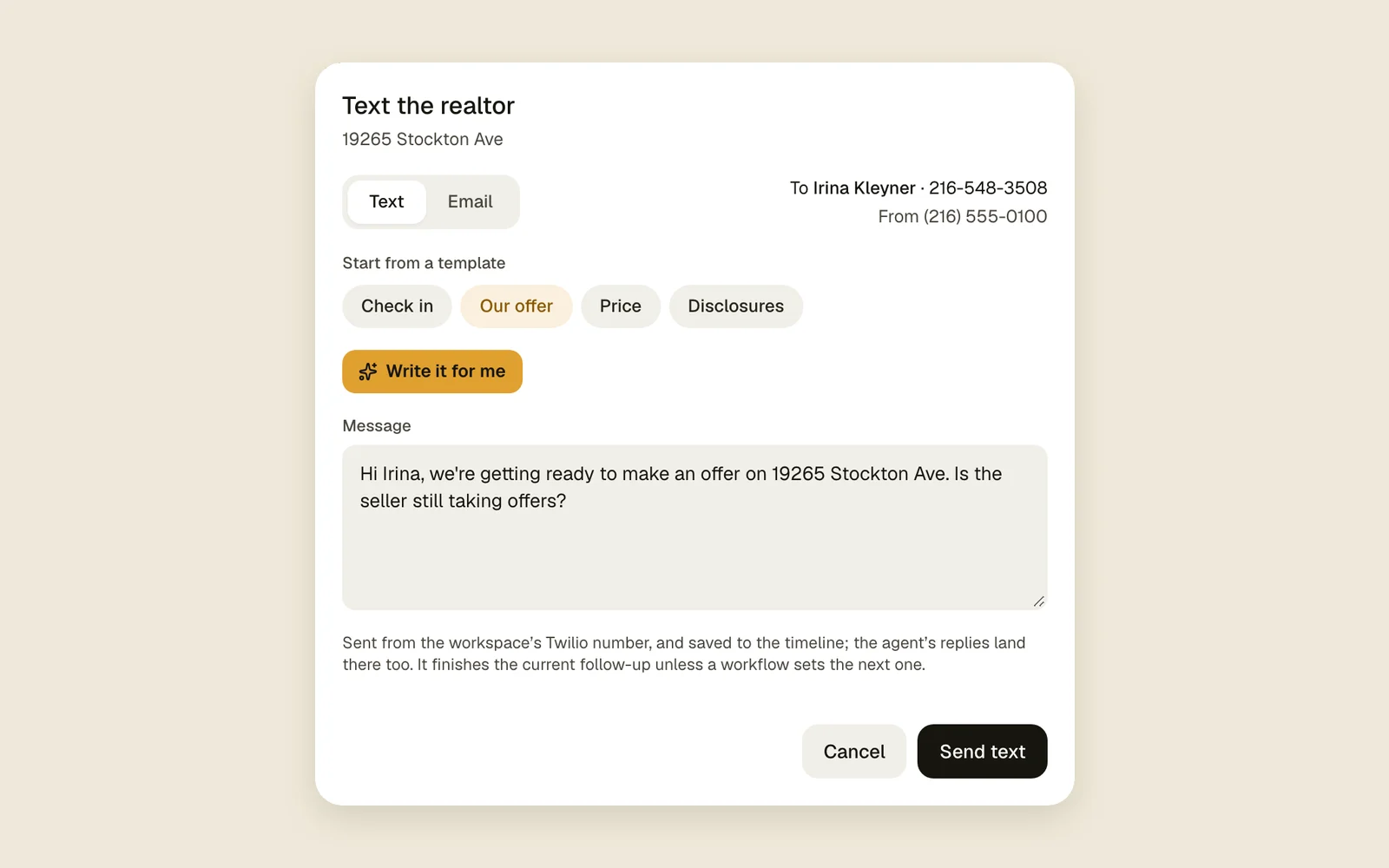
Connect Twilio and Gmail: calls, texts and emails go out from your own number and address, and replies land on the lead.
Read the guideOffers and counters
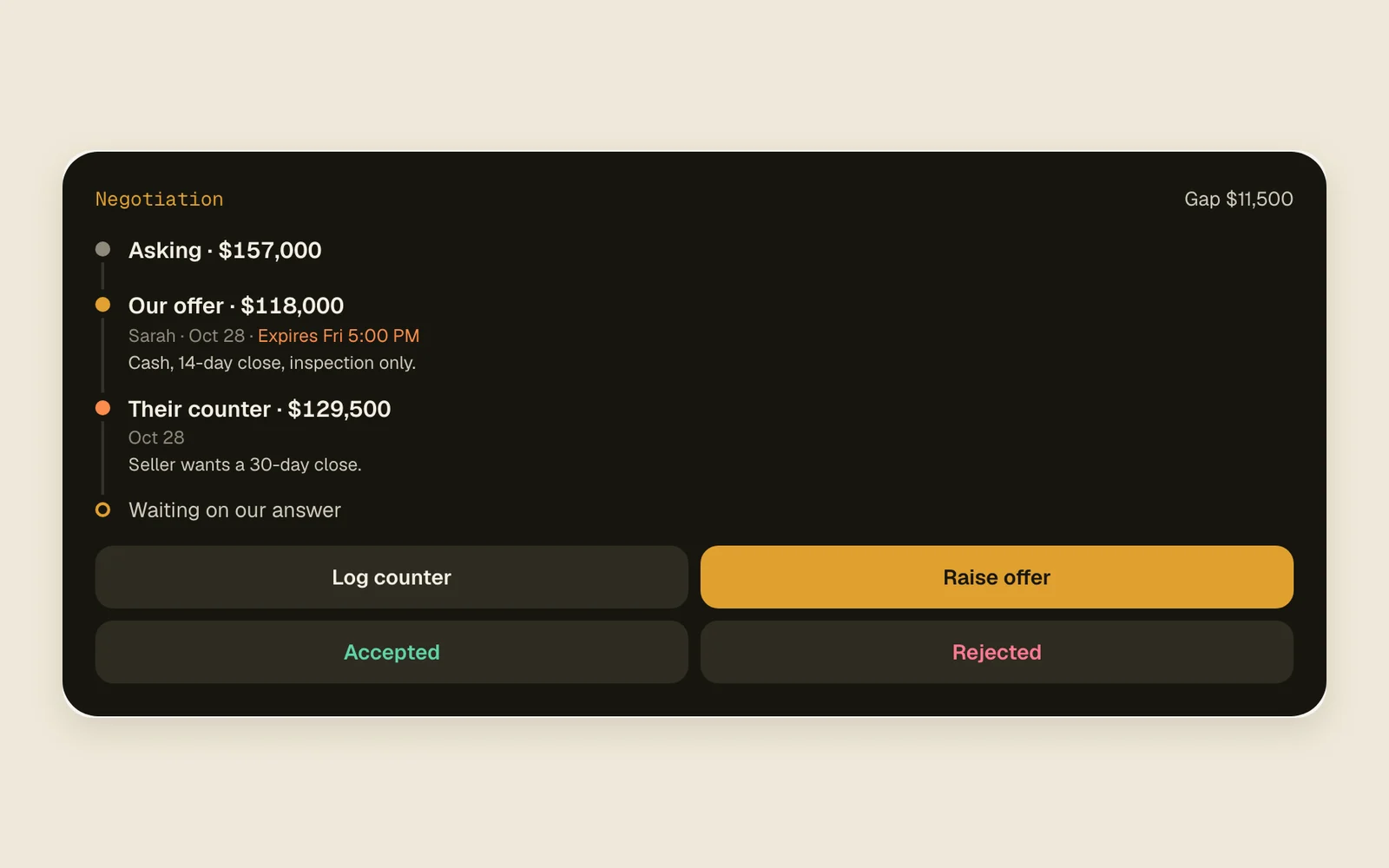
Track your offers, their counters and when each expires. An offer about to run out jumps to the top of your day.
Read the guideLog it in two taps, undo anything
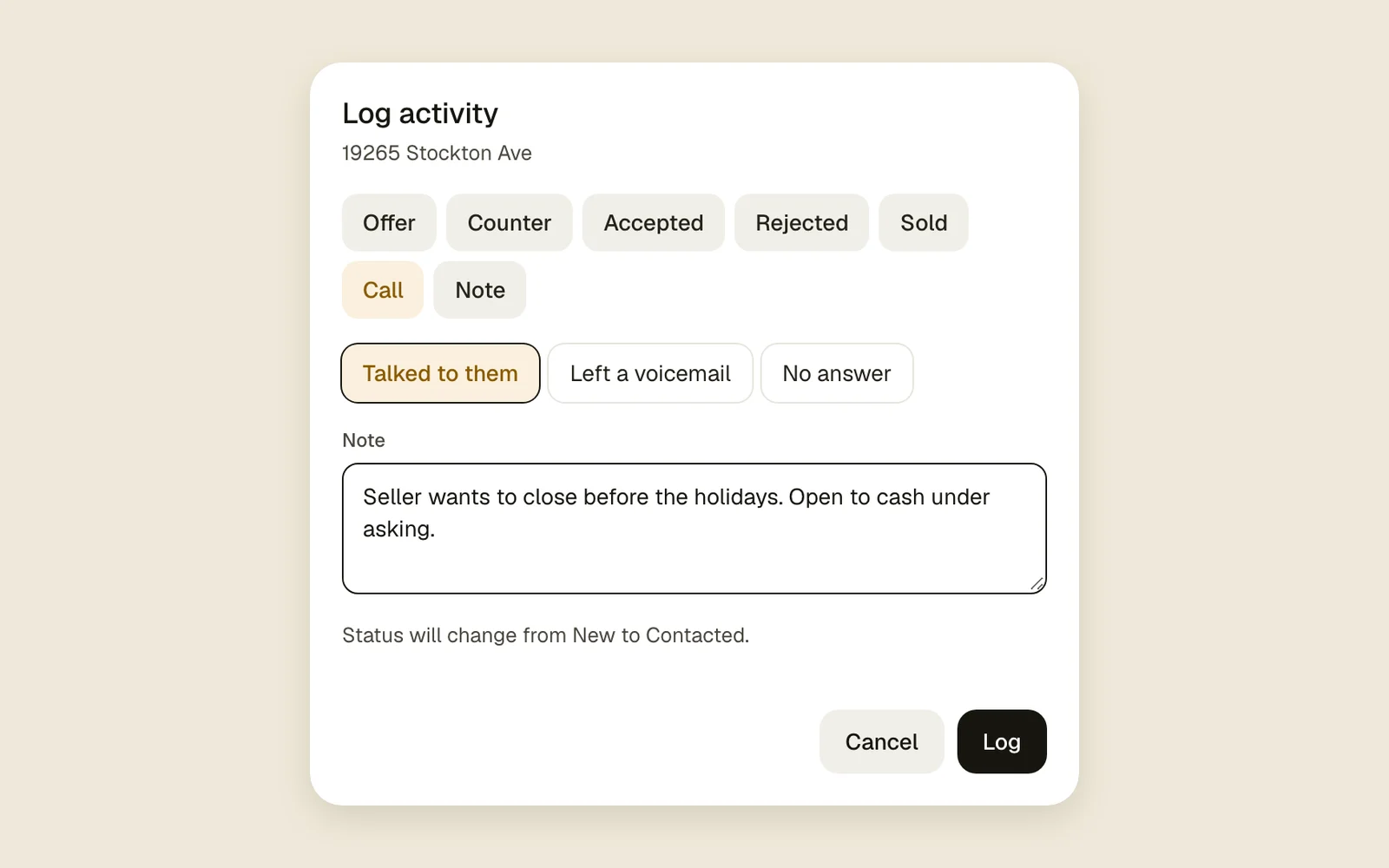
Log how a call went, an offer or a note. Logged the wrong thing? Undo takes it back, workflows included.
Read the guideFiles on every lead
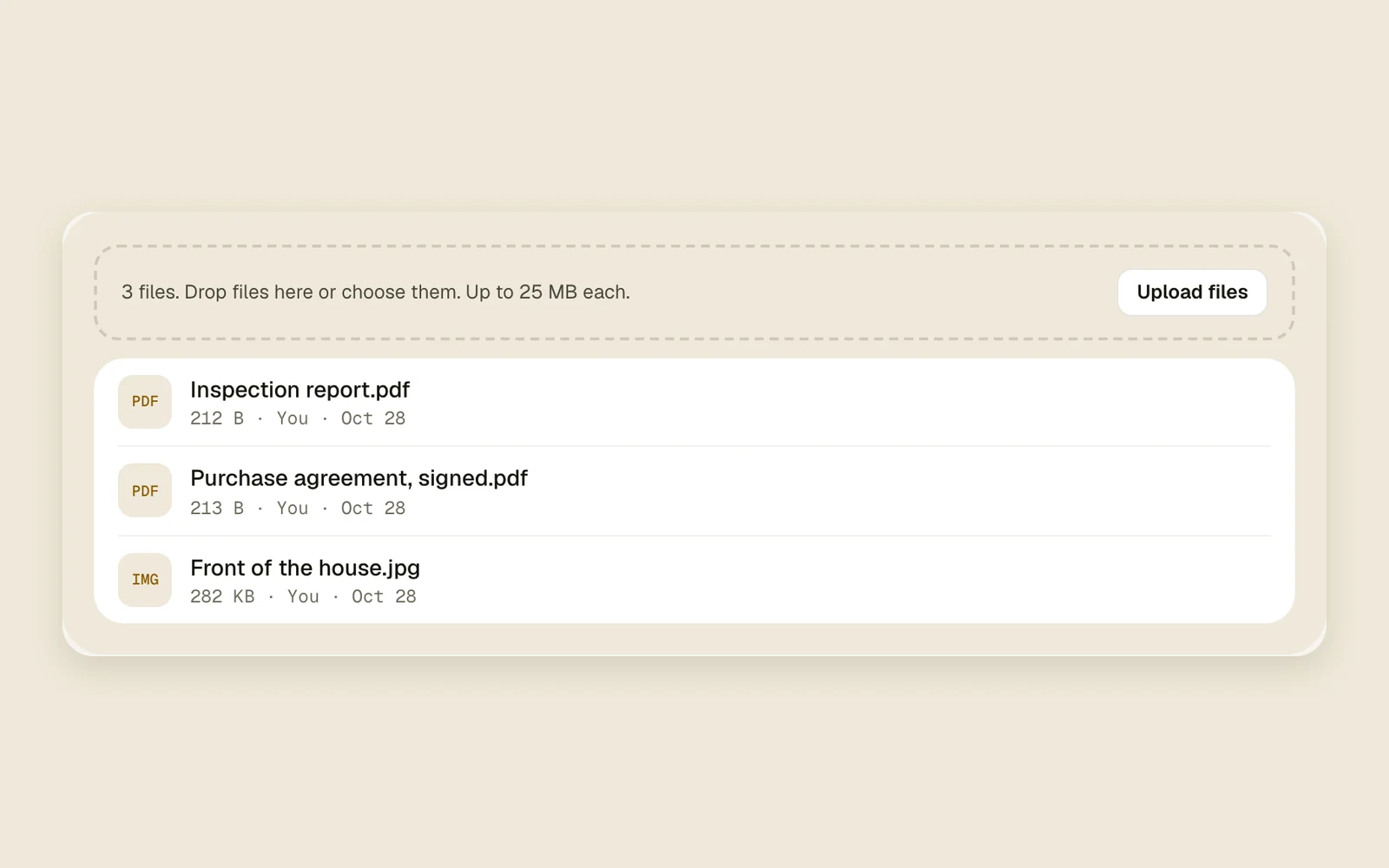
Photos, contracts and inspection reports on the lead they belong to, up to 25 MB each.
Read the guideRead agent replies
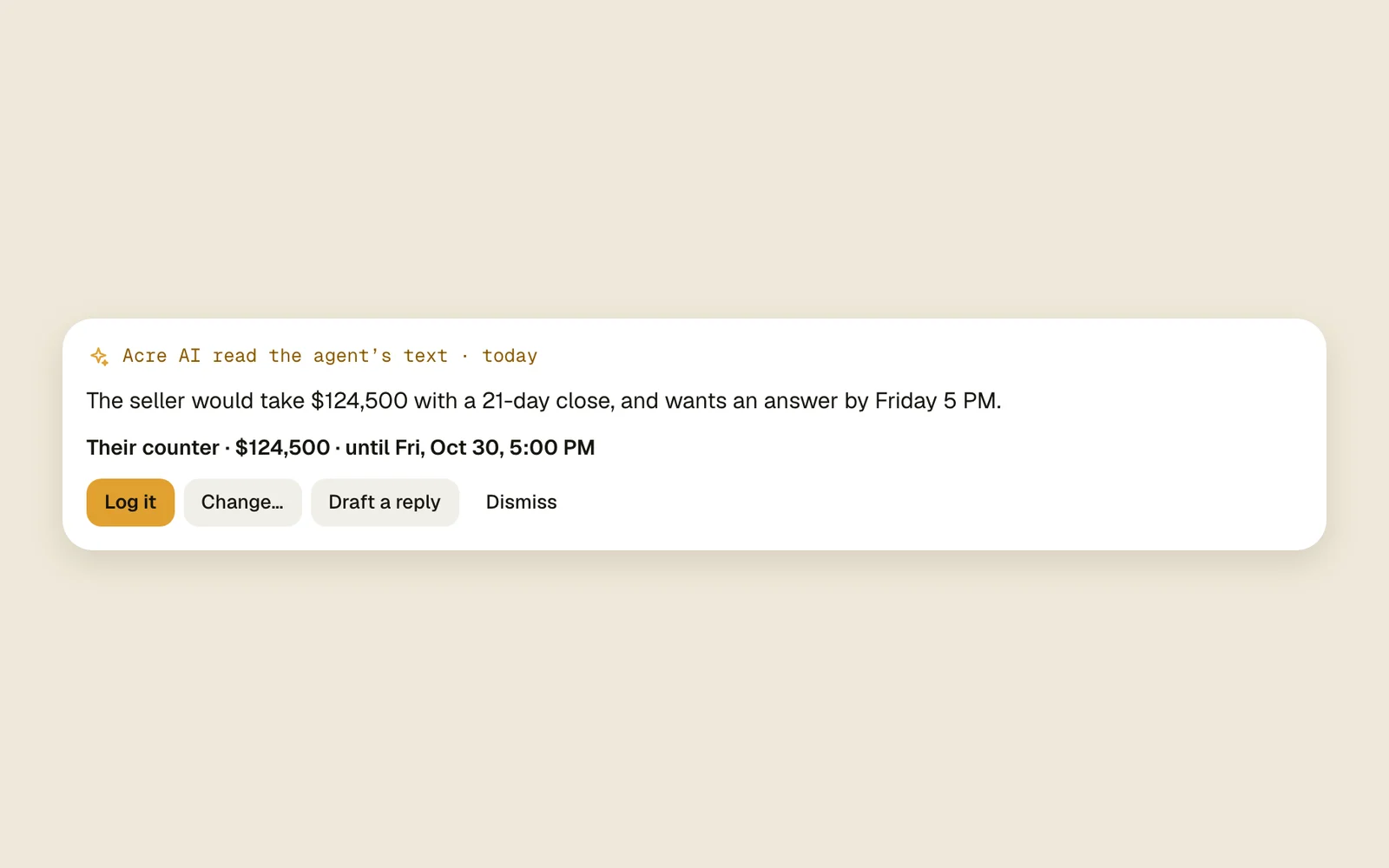
When the agent emails or texts back, Acre AI reads it and gets the log ready: their counter and when it runs out, an accepted or rejected offer, or a home that went to someone else. It drafts your answer from your playbook, for you to check and send.
Read the guideConnect your AI agent
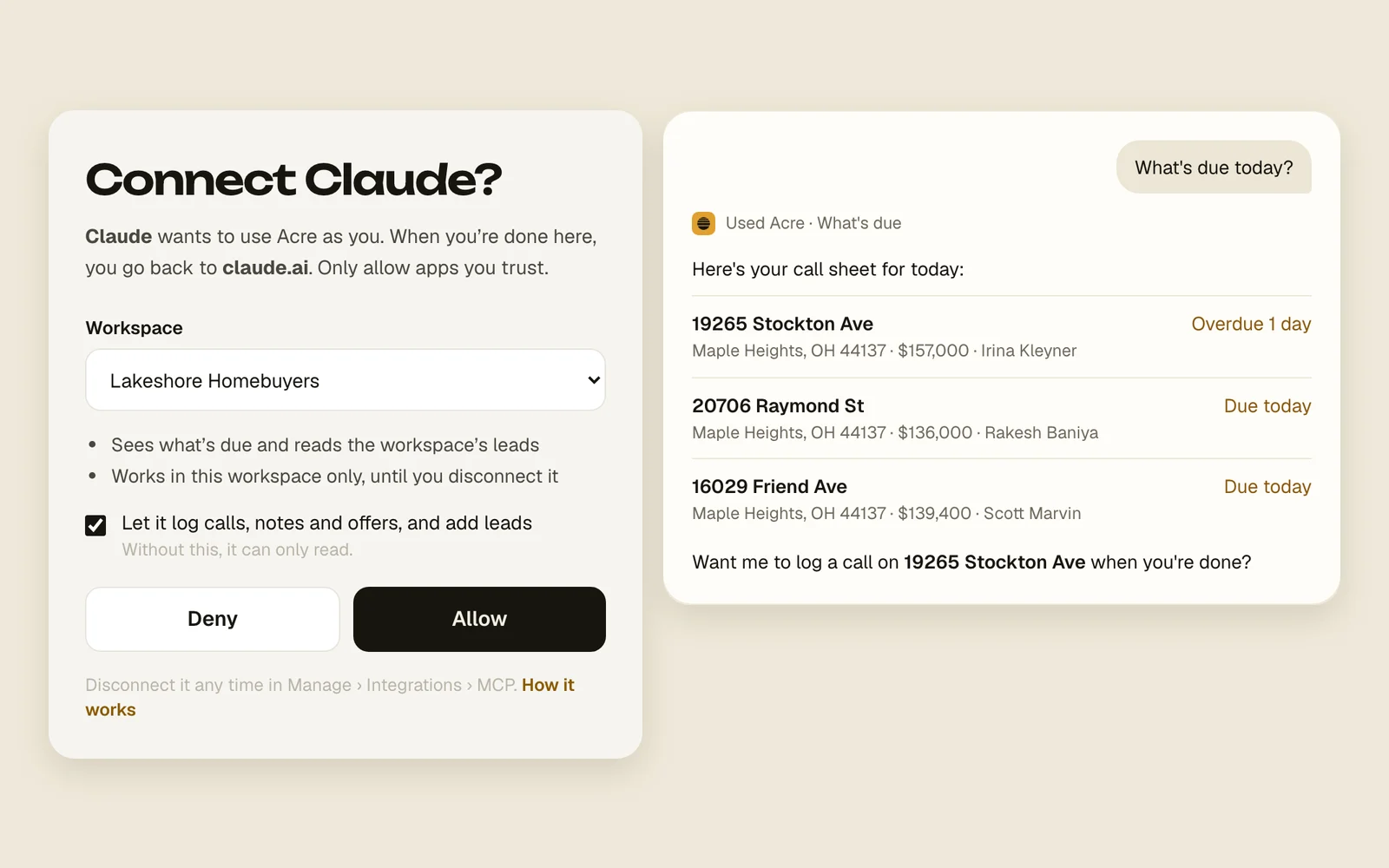
Connect Claude, ChatGPT, Cursor or any AI agent that speaks MCP: sign in to Acre once, then ask what's due today, look up a lead, log a call or add a lead without opening Acre.
Read the guide
TeamWork the same leads together.
Your own lead fields
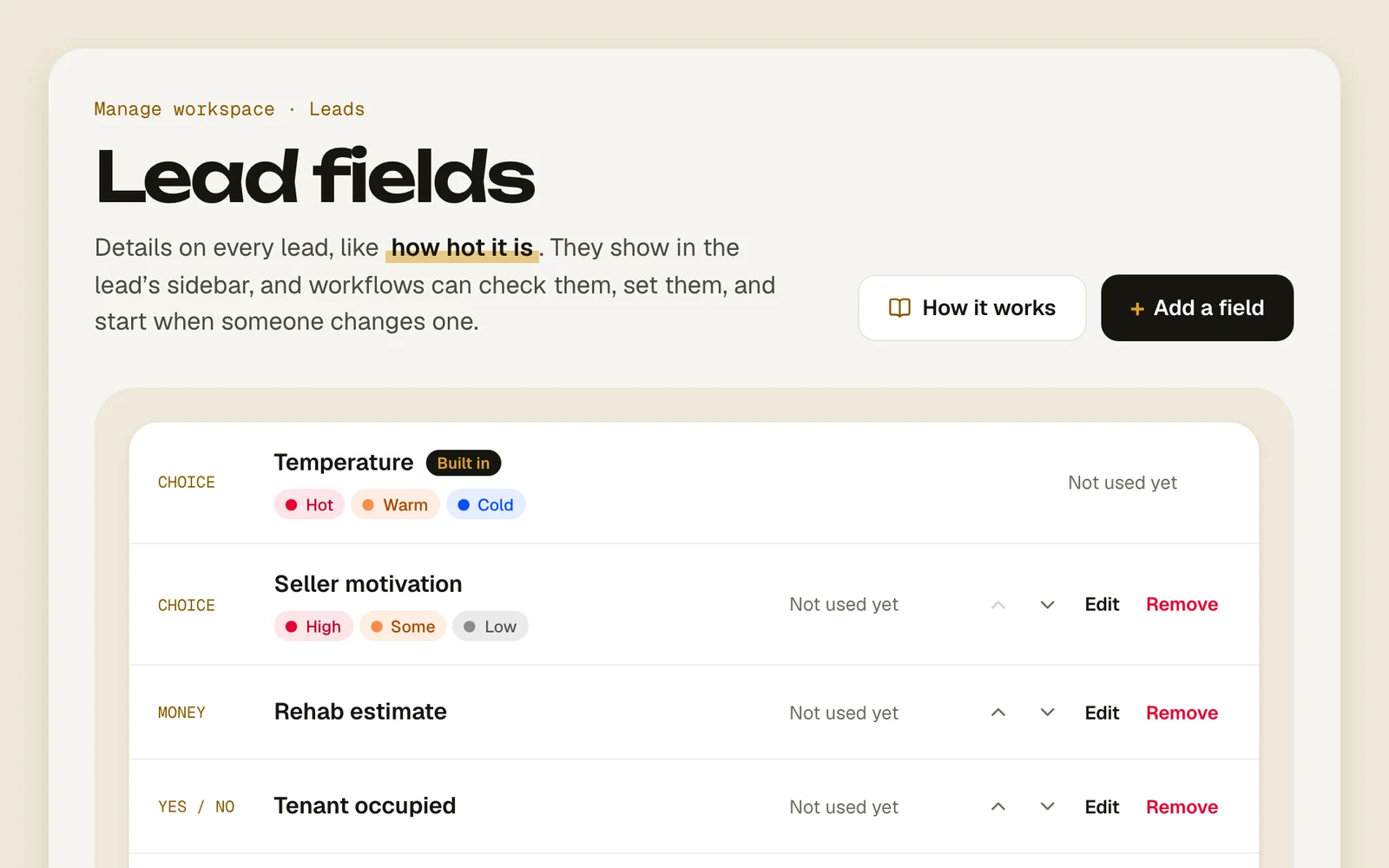
Add fields like “Pre-approved” or “Budget”. Workflows can check them, set them and start when one changes.
Read the guideMentions and team activity
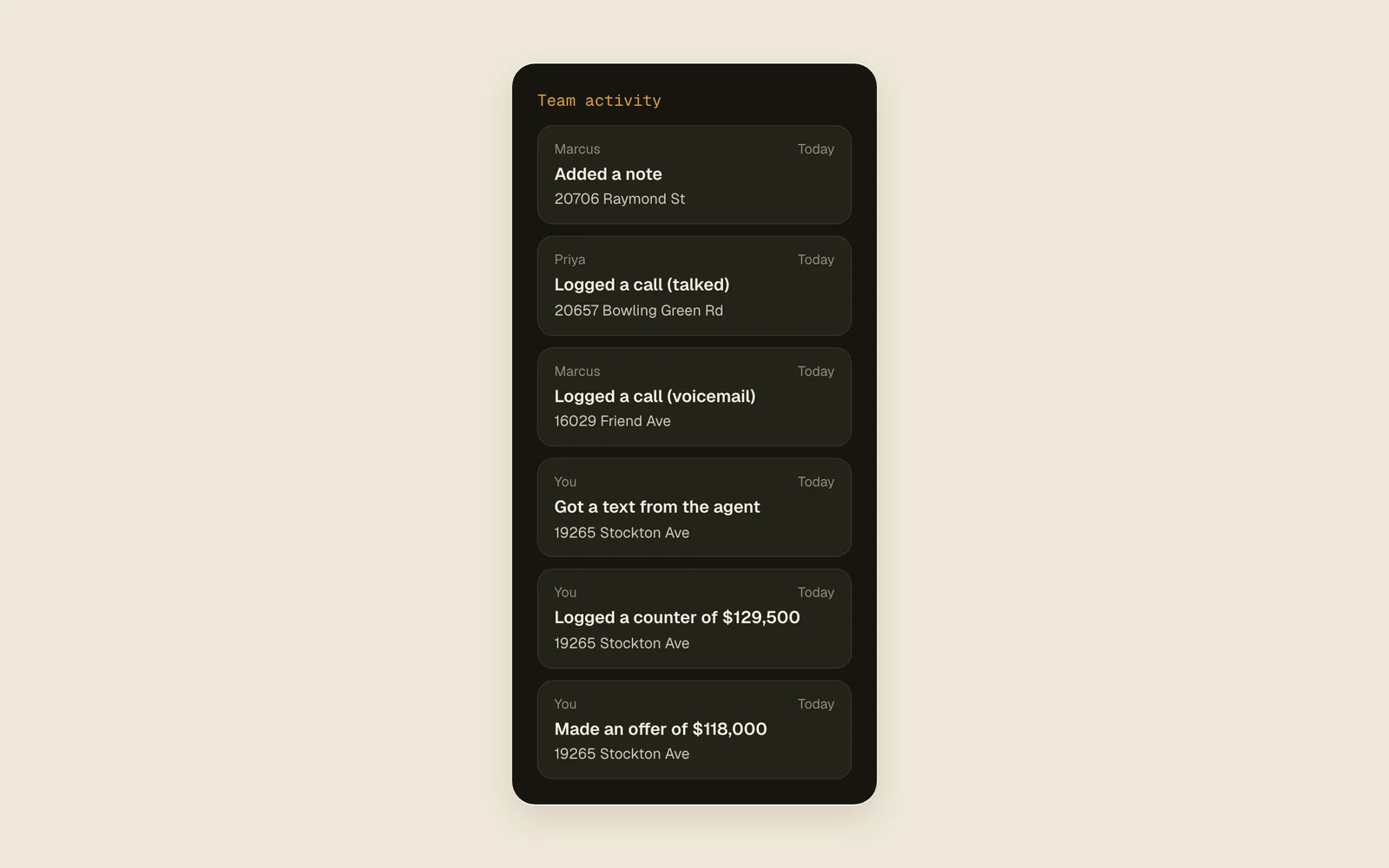
@mention a teammate in a note and it pings their phone. See what everyone logged today beside your call sheet.
Read the guideMembers and invites
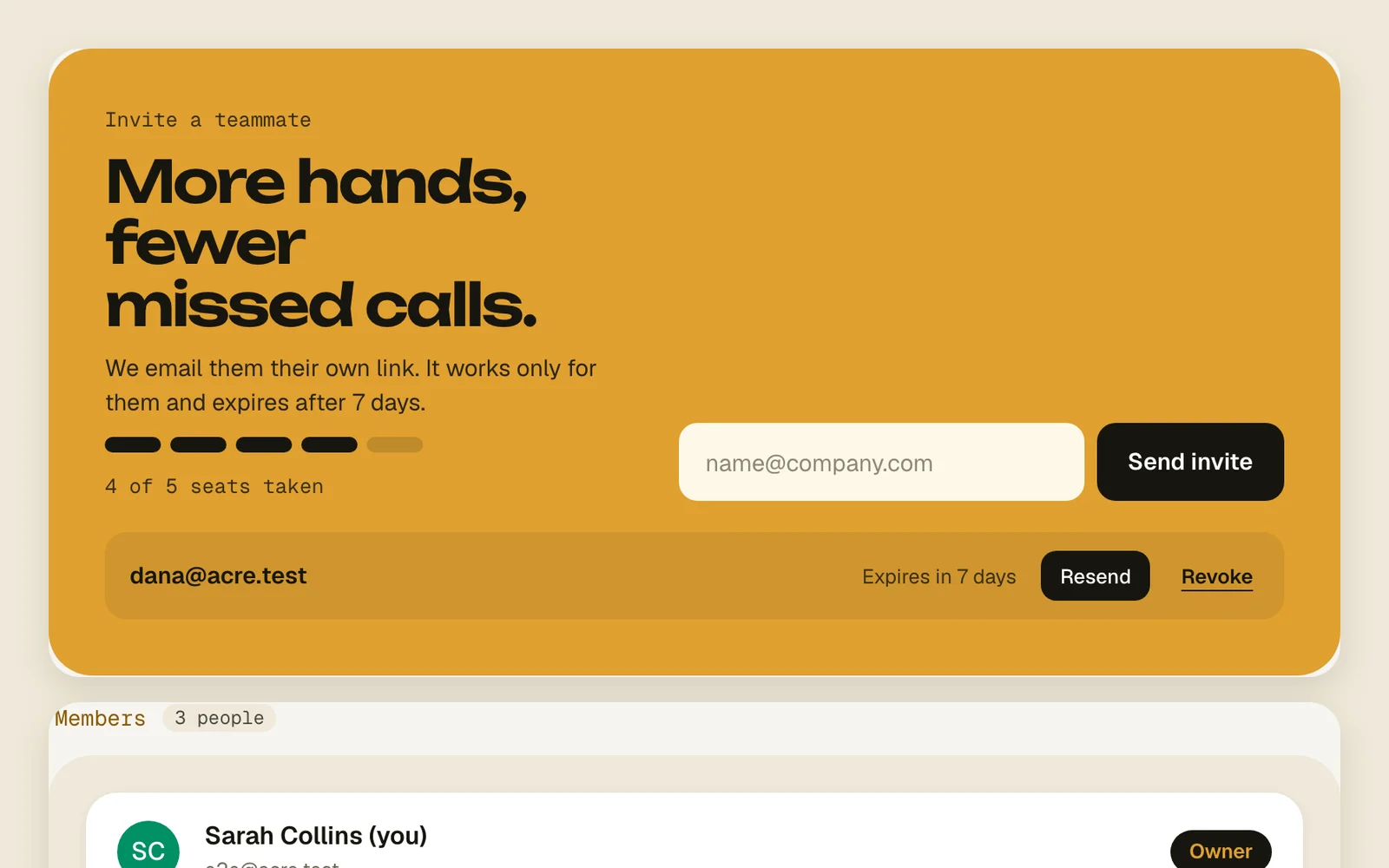
Invite teammates by email to share a workspace's leads, workflows and fields.
Read the guideWe move you in
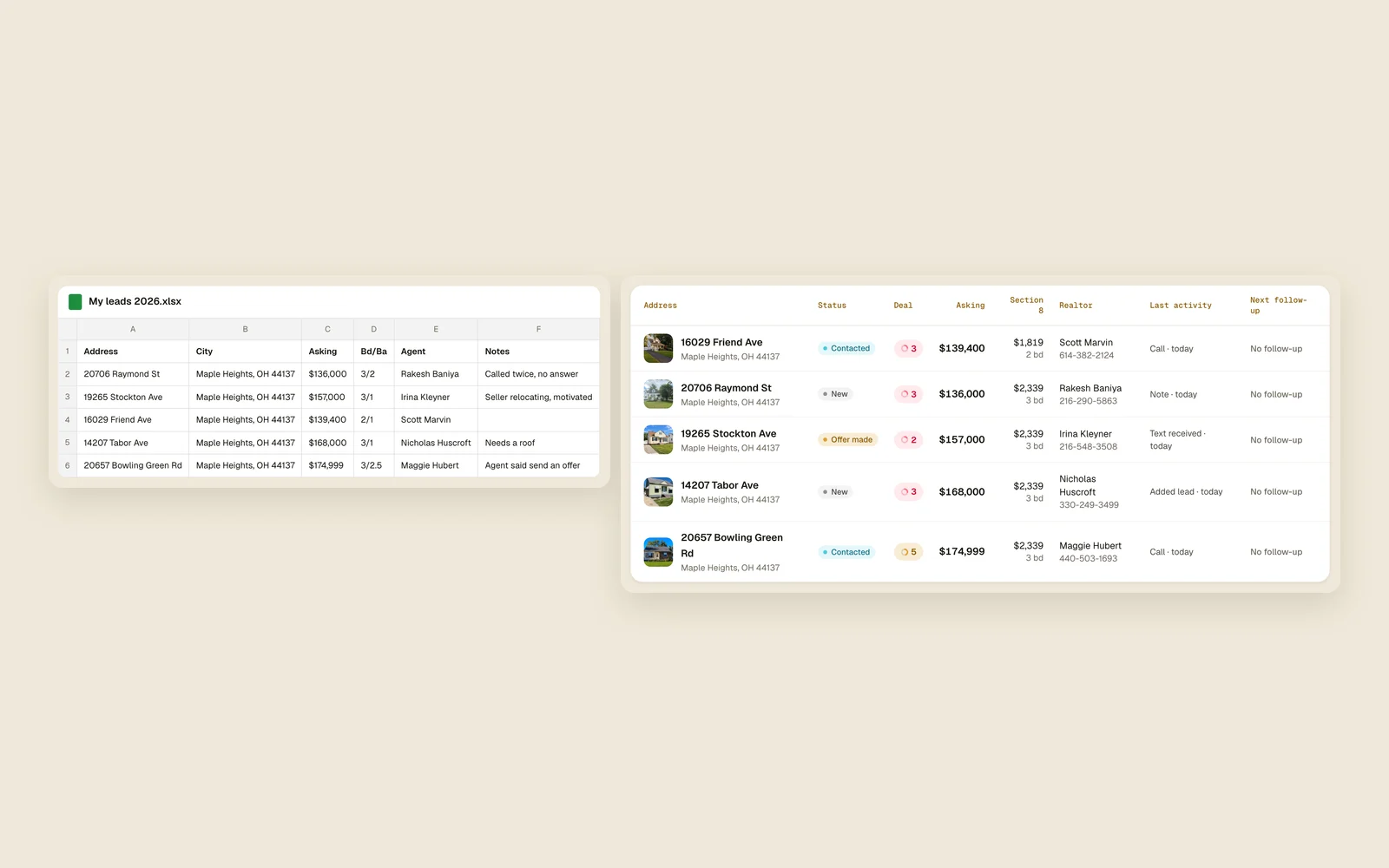
Send us your spreadsheet and we bring it into Acre for you, with a real person to call when you need one.
Read the guideDaily digest email
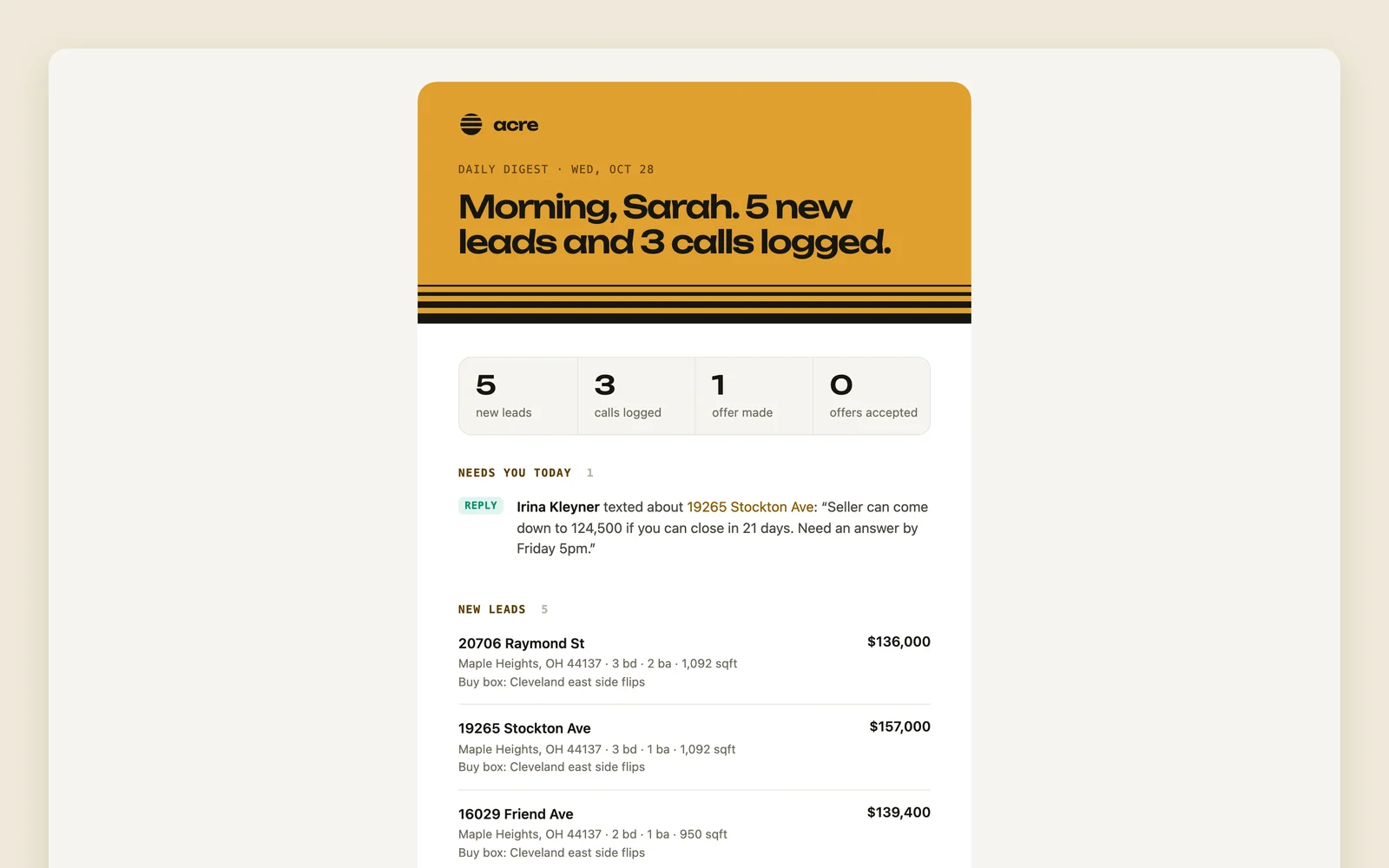
One email each morning with new leads, price cuts, agent replies, mentions and what your team did. Pick the hour, or turn it off.
Read the guideSplit leads across the team
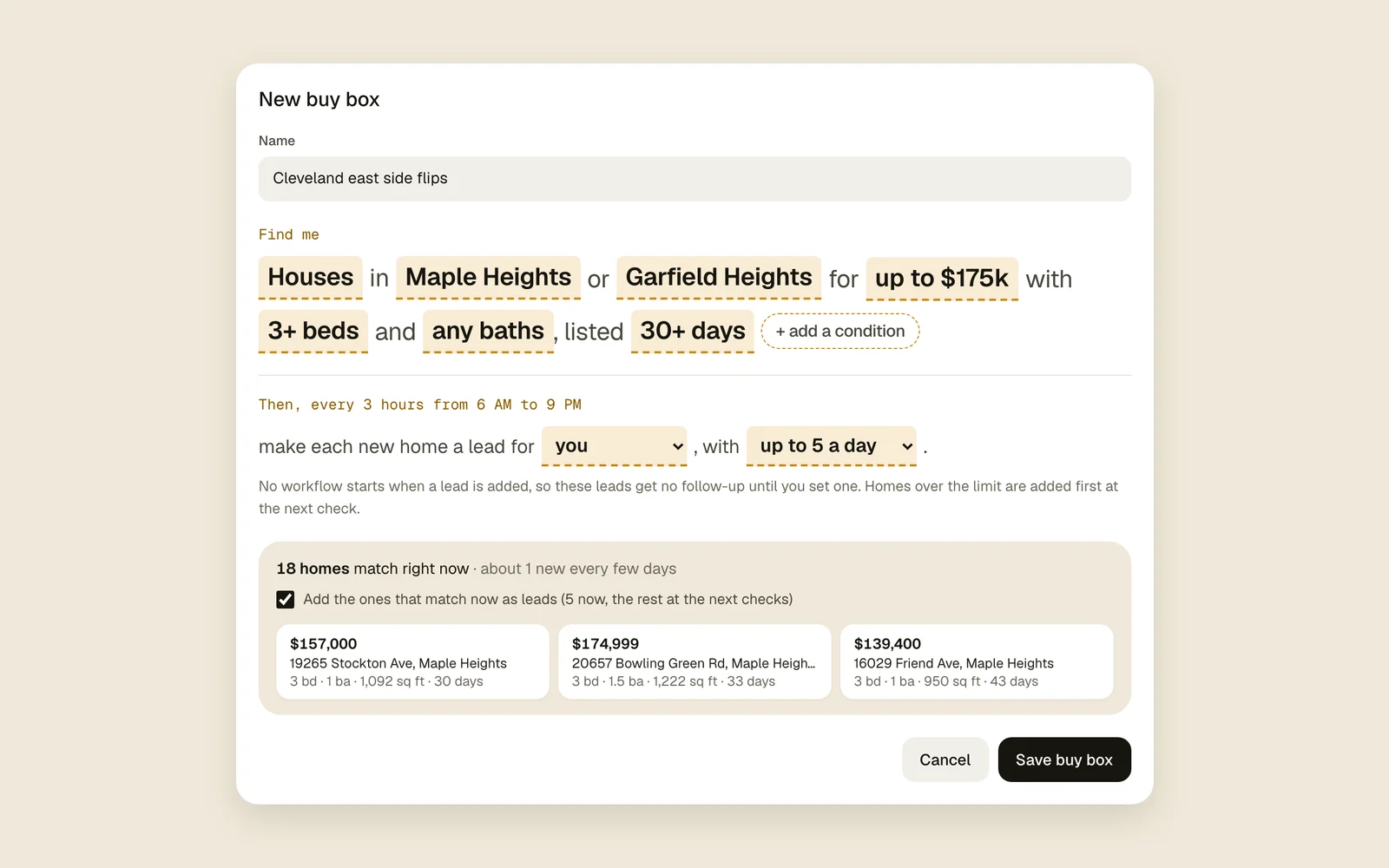
A buy box can give each new lead to the least busy teammate: whoever has the fewest open leads, so no one's list piles up.
Read the guide